
 HD Cameras and Webcam
 Projectors and Speakers
 VOIP Phones and Gateway
 Access Control
 LTE and 5G Devices
 Smart Sensors And Automation
 Fiber and SFP Modules
 Firewall & Cloud Controllers
 Network Adapters and Accessories
 Network Switches
 PoE Switches
 Point To Point Wireless Radio
 Routers
 Wireless Access Points
 IP Cameras
 Memory Cards
 NVR
NVR Smart WiFi Cameras
 Storage Devices
 Desktop & Laptop RAMs
 Internal and External Hard Drives
 NAS Storage & Enclosures
 SSD and NVMe Drives
 USB Flash Drives





-
 Pick up from the FGTECH Store
-
 Courier delivery
-
Porter / WeFast
-
Fast Delivery ( By Air )
Pick up from the FGTECH Store
Courier delivery
Porter / WeFast
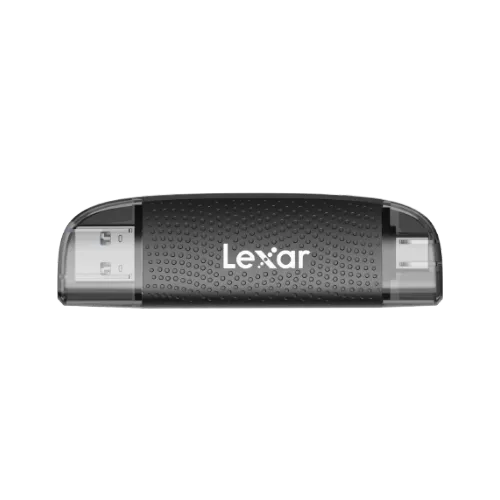
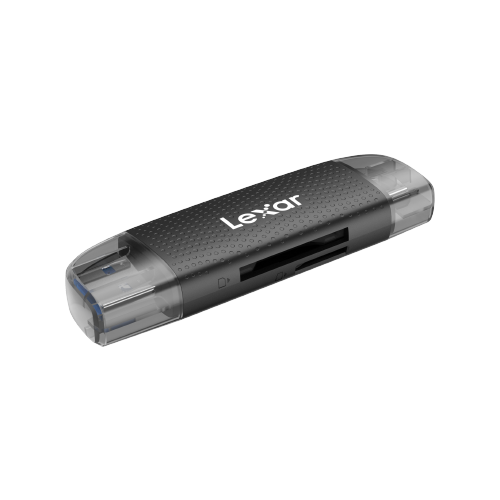
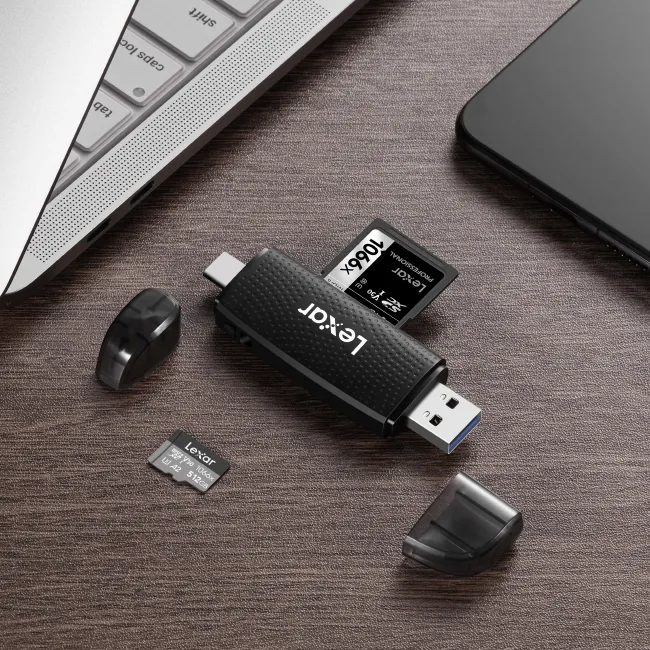
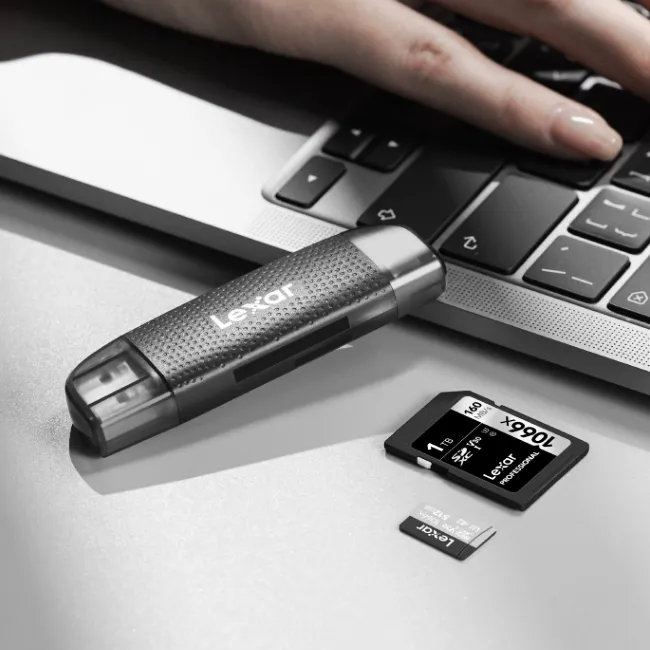
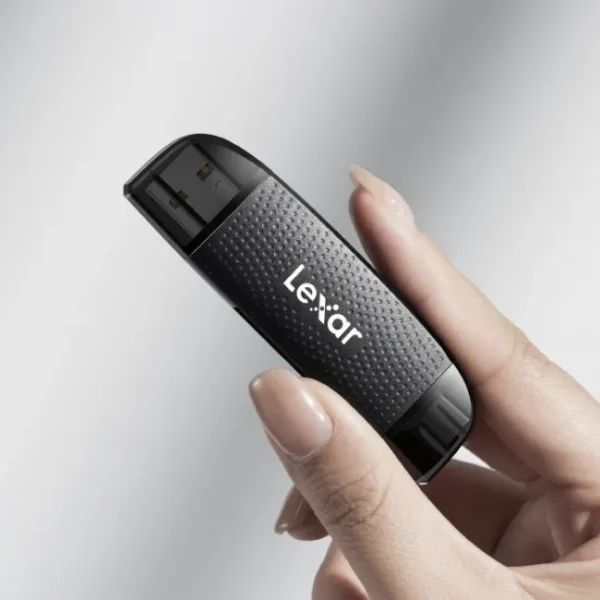
Fast Delivery ( By Air ) The Lexar 310X Dual-Slot USB-A/C Card Reader is engineered for creators who need flexibility and high-speed file transfers wherever they go. With transfer speeds up to 205MB/s, it ensures fast access to photos, videos, and project files, making it ideal for photographers, videographers, and content creators.
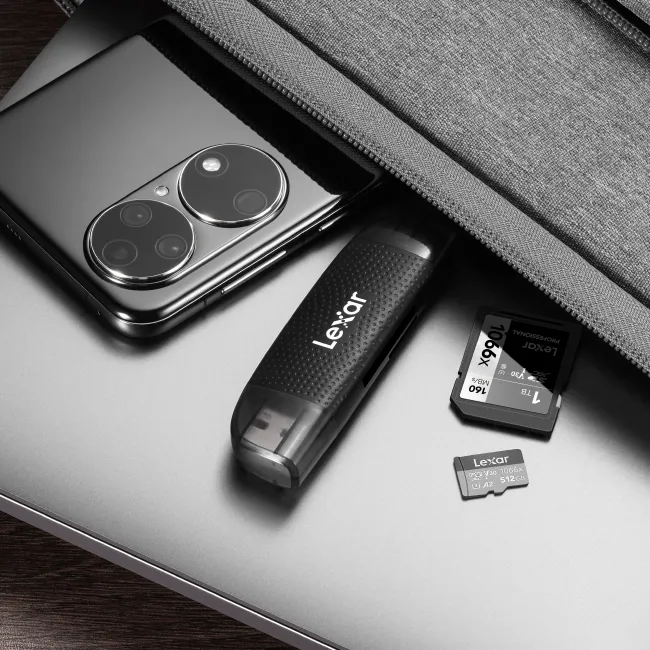
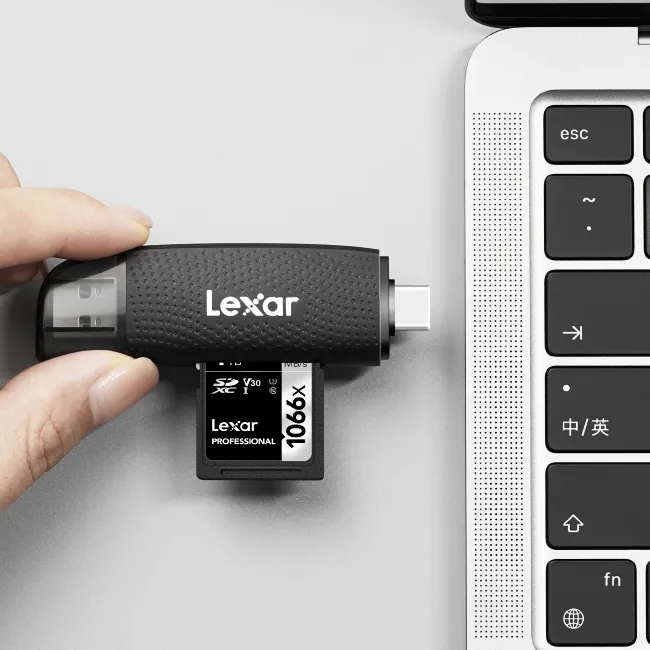
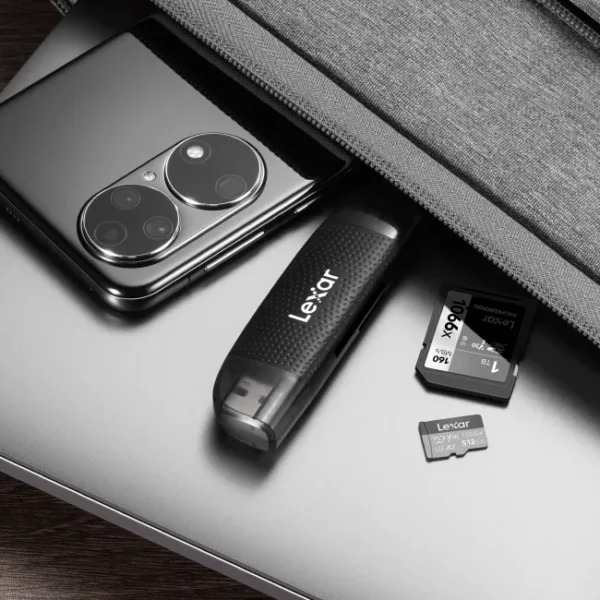
Lexar 310X Dual-Slot USB-A/C Card Reader dual-connector design features both USB-A and USB-C, making it compatible with laptops, desktops, tablets, and even USB-C smartphones for effortless transfers. With SD™ and microSD™ slots, the reader also supports simultaneous access across card formats, improving your workflow efficiency.
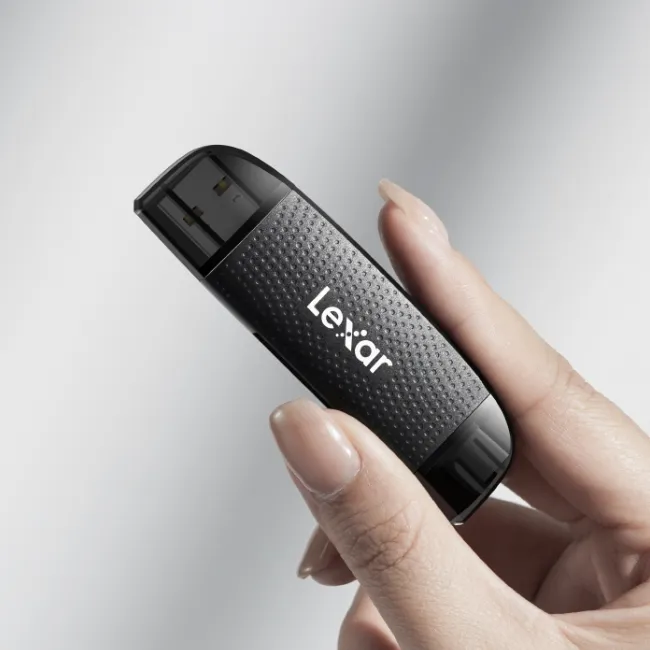
Lexar 310X Dual-Slot USB-A/C Card Reader is built with a sleek, compact design, the 310X Reader fits easily in pockets, bags, or gear kits. The integrated keychain loop adds convenience, ensuring you always have it with you. Its durable build and Lexar’s rigorous testing provide the reliability you can count on.
⚡ High-Speed Transfer Performance
Up to 205MB/s for fast file access
Smooth offloading of photos and videos
Saves time during busy workflows
🔀 Dual-Connector Versatility
USB-A + USB-C connectors in one device
Transfer between PC, tablet, and phone
Hassle-free compatibility across devices
🧩 Dual-Slot Convenience
SD™ + microSD™ card support
Simultaneous file transfers
Ideal for multi-format creators
👜 Portable & Stylish Design
Ultra-compact and pocket-friendly
Keychain loop for easy carry
Perfect for travel and on-the-go use
Lexar SSD and RAM are at the core of making your system feel fast and reliable, while SD and microSD cards and USB drives handle everyday storage and transfers. At FGTech, we focus on the Lexar products that matter most for laptops, desktops, and everyday data use in India.
Every Lexar product you see here is genuine, backed by the official Lexar warranty and a GST invoice. If you are upgrading an old laptop, building a gaming PC, or need dependable storage for work and studies, this page will help you choose the right Lexar SSD, RAM kit or card and plug it into your setup.
Lexar DDR4 and DDR5 RAM modules are a straightforward way to remove lag when you multitask. They follow standard JEDEC specs, so they work with most common boards as long as you match the right generation.
Lexar DDR4 8 GB / 16 GB 3200 MHz: Ideal for: Office PCs and budget gaming systems that struggle once you open several apps and browser tabs.
Lexar DDR5 16 GB / 32 GB: Ideal for: Newer Intel and AMD platforms where you want stable, non‑gimmicky RAM from a storage‑focused brand.
Lexar DDR4 8 GB / 16 GB 3200 MHz SODIMM: Ideal for: Laptops that shipped with 4 GB or 8 GB and feel slow even after you add an SSD.
Lexar SD and microSD cards are also available at FGTech, which can be used in laptops with card slots, drones, action cameras, dashcams, and NVRs.
Best for: Cameras, drones, phones, tablets and laptops where you record or move files but do not write to the card constantly all day.
What to check: Capacity (64 GB, 128 GB, 256 GB and above) and speed class (U1/U3, V30 or higher for 4K video).
Continuous recording in a dashcam or security system wears cards faster than normal use. Lexar high‑endurance versions are built for this.
Designed for: Dashcams, NVRs, IP cameras and video recorders that write 24/7 or on a tight loop.
Rated by: Terabytes Written (TBW), which tells you how much recording the card can handle over its life, not just speed.
Recommendation: For always‑on recording, choose a Lexar high‑endurance card. For occasional shooting or travel footage, a standard Lexar card is fine.
Start by checking what your system supports:
Laptop or desktop with an M.2 PCIe slot → choose a Lexar NVMe SSD.
Laptop or desktop with only a 2.5-inch bay → choose a Lexar SATA SSD.
Desktop with both: use NVMe for the system drive and SATA for extra storage.
If you are not sure what slot you have, share your laptop or motherboard model with the FGTech team, and we will confirm before you buy.
240/256 GB: Basic work, browsing, a few key apps.
480/512 GB: Everyday use plus some games and media.
960 GB / 1 TB: Gaming libraries and creator workflows.
2 TB: Large local storage when you do not want to rely only on the cloud.
NVMe uses PCIe lanes and can be several times faster than SATA in real transfers. You feel this in game load times, large file copies and overall system responsiveness.
SATA SSDs are still a huge upgrade over mechanical hard drives and usually cost less per GB, especially for 1 TB and 2 TB sizes.
If your system supports NVMe, make a Lexar NVMe SSD your main drive.
If your system only supports 2.5 inch SATA, a Lexar SATA SSD is the correct and safe upgrade, and it still feels dramatically faster than an HDD.
A simple rule you can even copy into banners: “If your laptop supports NVMe, pick a Lexar NVMe SSD. If it doesn’t, a Lexar SATA SSD will still make it feel new.”
Lexar has a long history in flash storage, formerly part of Micron, and makes reliable SSDs, RAM, and memory cards that follow standard specifications.
Lexar was a part of Micron, one of the world's biggest DRAM and NAND makers, before becoming an independent brand. Its SSDs and memory cards are widely used worldwide, and its RAM modules follow standard specifications, so compatibility and reliability are in line with other mainstream brands.
8 GB: Basic browsing, office work, light study use.
16 GB: Smooth everyday experience plus gaming and light editing.
32 GB and up: Heavy multitasking, virtual machines, and serious creative workloads.
If your laptop still has only 4 GB or 8 GB and feels slow after an SSD upgrade, a Lexar RAM upgrade often makes the single biggest difference.
If your laptop supports NVMe, pick NVMe. If it only supports SATA, a SATA SSD still makes it feel dramatically faster than an HDD.
Look up your laptop model on the manufacturer's site and check the storage section, or simply share the model with FGTech support on WhatsApp. We will tell you whether a Lexar NVMe SSD or a Lexar SATA SSD is the safer choice before you buy.
Lexar SSDs, RAM, and memory cards are part of FGTech's complete memory and storage solutions₹ lineup, which also includes drives from WD, Seagate, Toshiba, and Netac. For SSD comparison across brands at FGTech, see NVMe SSDs at FGTech.
For memory card options alongside Lexar, see memory cards at FGTech.

| Specification | Details |
|---|---|
| Interface | USB 3.2 Gen 1 |
| Card Support | SD™ and microSD™ |
| Transfer Speed | Up to 205MB/s |
| Connectors | USB Type-A + USB Type-C |
| Design | Compact, keychain loop |
| Warranty | 2-Year Limited Warranty |
Only logged in customers who have purchased this product may leave a review.

In stock
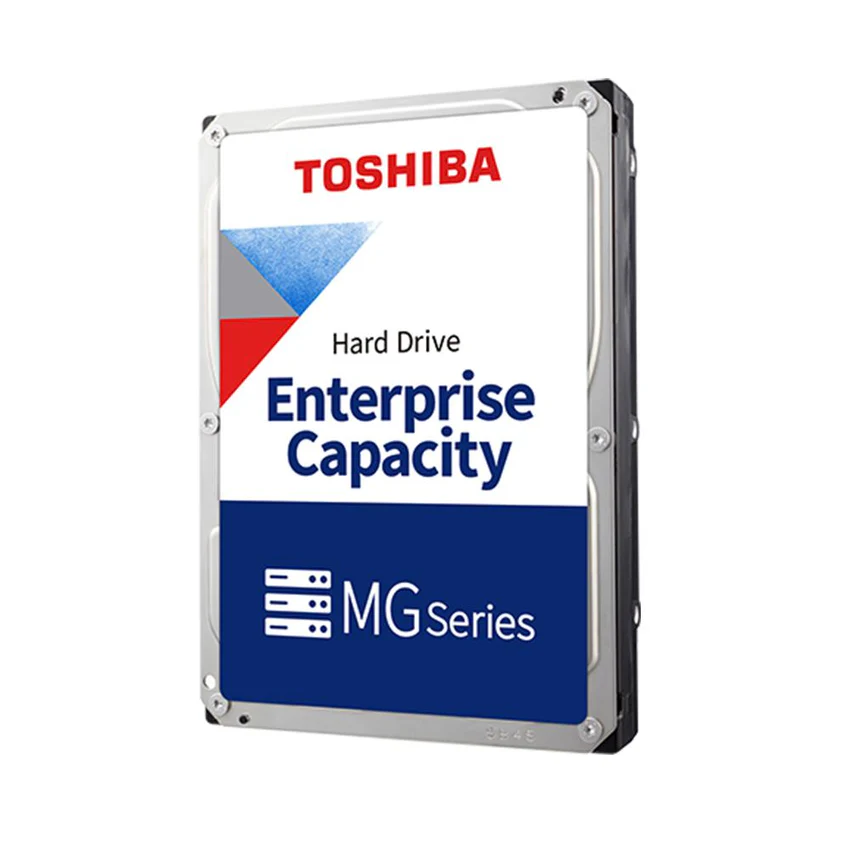
| Weight | 0.720 kg |
|---|---|
| Dimensions | 14.7 × 10.185 × 2.6 cm |
| Brand | Toshiba |
| Model | MG09ACA18TE |
| Badges | 24Hr Dispatch |
| Storage | 18TB |
| Cache Size | 512MB |
| Drive Type | Enterprise HDD |
| Warranty | 5 Years |
| Use Case | Enterprise/Data Centre |
| Spindle Speed (RPM) | 7200 RPM |
| Series | MG09 |
| Interface Type | SATA |
| Form Factor | 3.5inch |
In stock
| Weight | 0.720 kg |
|---|---|
| Dimensions | 14.7 × 10.185 × 2.6 cm |
| Brand | Toshiba |
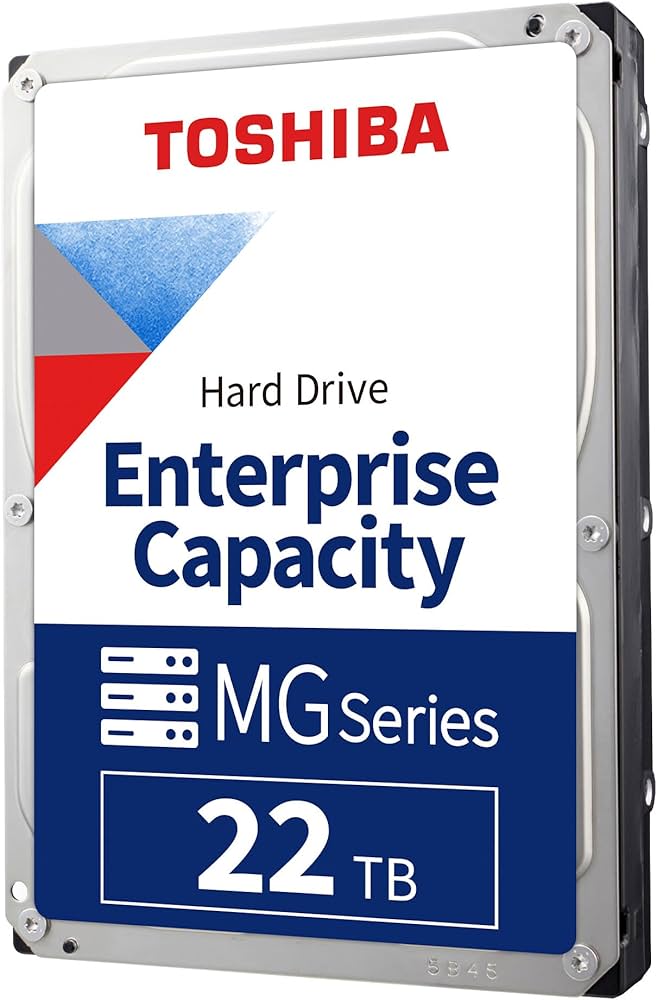
| Model | MG10AFA22TE |
| Storage | 22TB |
| Cache Size | 512MB |
| Drive Type | Enterprise HDD |
| Form Factor | 3.5inch |
| Interface Type | SATA |
| Warranty | 5 Years |
| Use Case | Enterprise/Data Centre |
| Spindle Speed (RPM) | 7200 RPM |
| Series | MG10 |

Out of stock
| Weight | 0.730 kg |
|---|---|
| Dimensions | 14.7 × 10.185 × 2.6 cm |
| Brand | Toshiba |
| Model | MG08ADA800E |
| Storage | 8TB |
| Badges | 24Hr Dispatch |
| Use Case | Enterprise/Data Centre |
| Warranty | 5 Years |
| Cache Size | 256MB |
| Drive Type | Enterprise HDD |
| Spindle Speed (RPM) | 7200 RPM |
| Series | MG |
| Interface Type | SATA |
| Form Factor | 3.5inch |

In stock
| Weight | 0.75 kg |
|---|---|
| Dimensions | 14.7 × 12 × 26 cm |
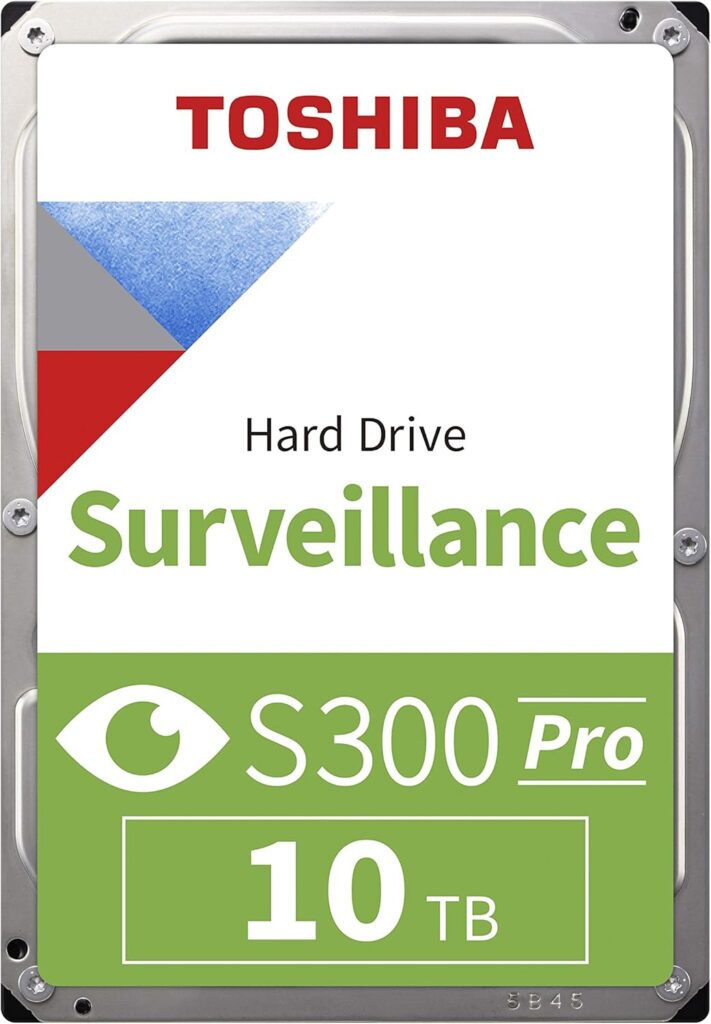
| Storage | 10TB |
| Brand | Toshiba |
| Cache Size | 512MB |
| Model | HDWTA1AUZSVA |
| Drive Type | Surveillance HDD |
| Form Factor | 3.5inch |
| Interface Type | SATA |
| Series | S300 Pro |
| Use Case | Surveillance/Smart Video Storagr |
| Spindle Speed (RPM) | 7200 RPM |
| Warranty | 5 Years |
| Badges | 24Hr Dispatch |

In stock
| Weight | 0.75 kg |
|---|---|
| Dimensions | 14.7 × 10.18 × 2.61 cm |
| Badges | 24Hr Dispatch |
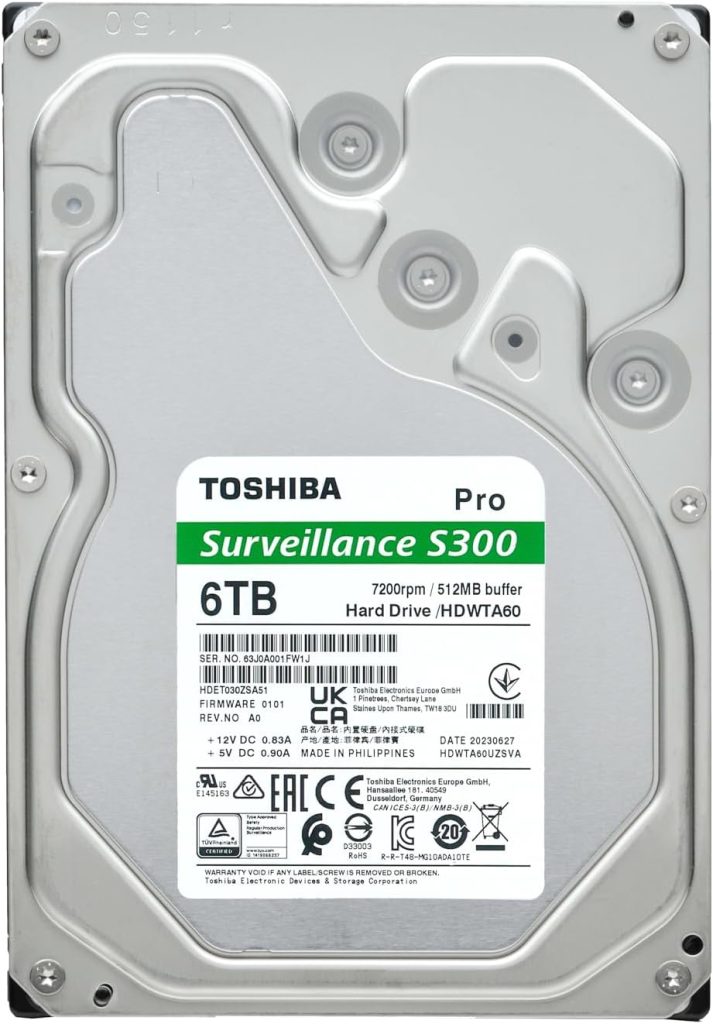
| Storage | 6TB |
| Model | HDWTA60UZSVA |
| Brand | Toshiba |
| Cache Size | 512MB |
| Drive Type | Surveillance HDD |
| Warranty | 5 Years |
| Use Case | Surveillance/Smart Video Storagr |
| Spindle Speed (RPM) | 7200 RPM |
| Series | S300 Pro |
| Interface Type | SATA |
| Form Factor | 3.5inch |
Reviews
There are no reviews yet