
 HD Cameras and Webcam
 Projectors and Speakers
 VOIP Phones and Gateway
 Access Control
 LTE and 5G Devices
 Smart Sensors And Automation
 Fiber and SFP Modules
 Firewall & Cloud Controllers
 Network Adapters and Accessories
 Network Switches
 PoE Switches
 Point To Point Wireless Radio
 Routers
 Wireless Access Points
 IP Cameras
 Memory Cards
 NVR
NVR Smart WiFi Cameras
 Storage Devices
 Desktop & Laptop RAMs
 Internal and External Hard Drives
 NAS Storage & Enclosures
 SSD and NVMe Drives
 USB Flash Drives


-
 Pick up from the FGTECH Store
-
 Courier delivery
-
Porter / WeFast
-
Fast Delivery ( By Air )
 Pick up from the FGTECH Store
Courier delivery
Porter / WeFast
Fast Delivery ( By Air )
Pick up from the FGTECH Store
Courier delivery
Porter / WeFast
Fast Delivery ( By Air ) Out of stock

In stock
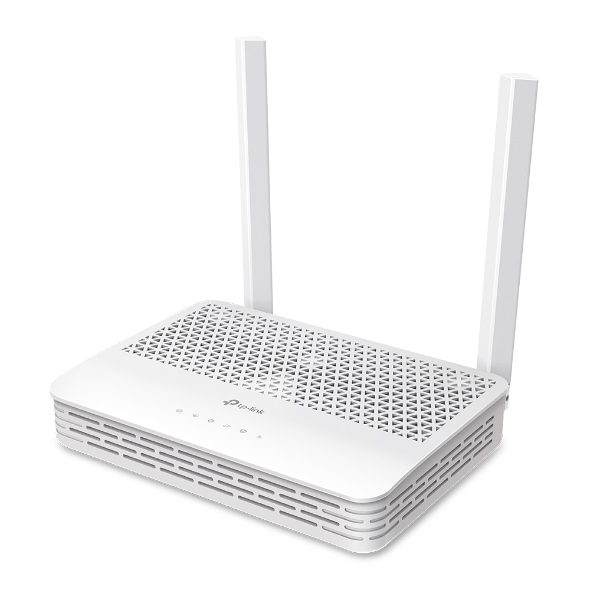
| Weight | 0.52 kg |
|---|---|
| Dimensions | 18 × 15 × 10 cm |
| Brand | TP-Link |
| Model | XC220-G3 |
| Badges | 24Hr Dispatch |

Out of stock
In stock
In stock
In stock
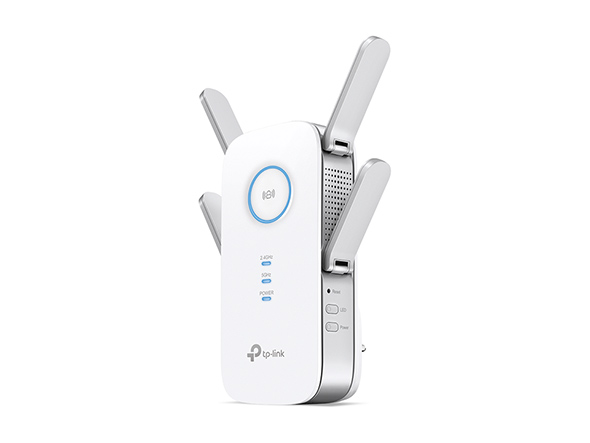
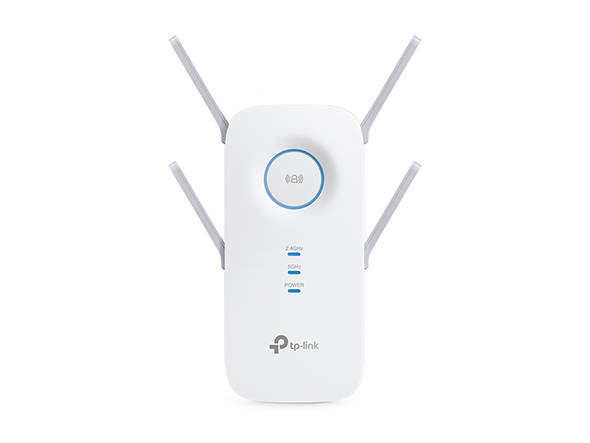
Out of stock
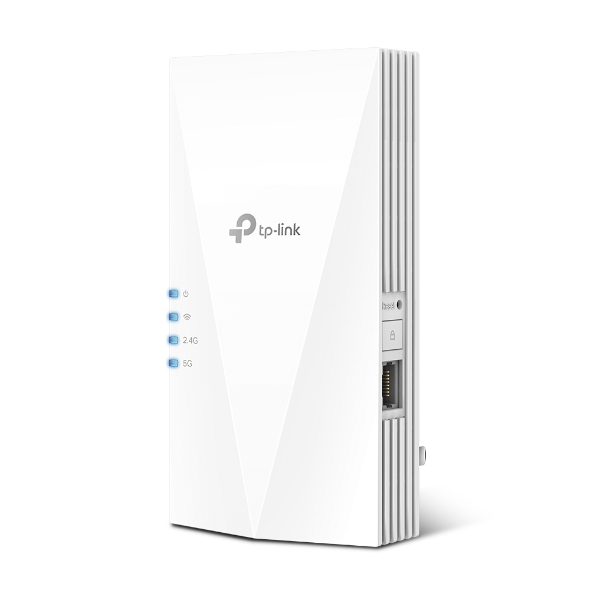
Out of stock
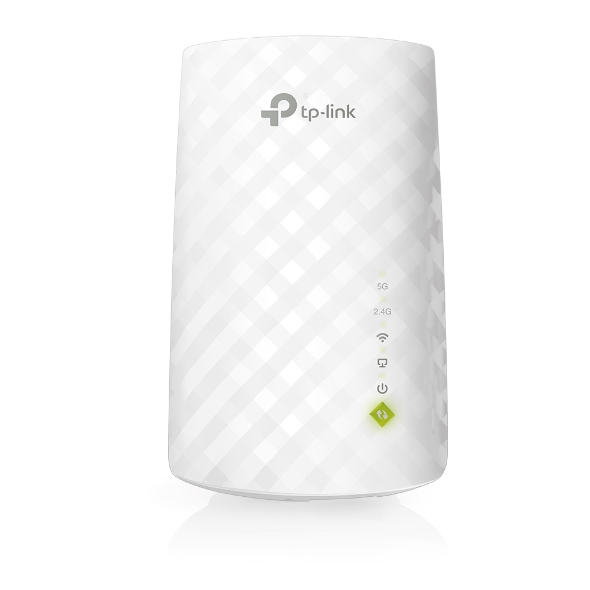
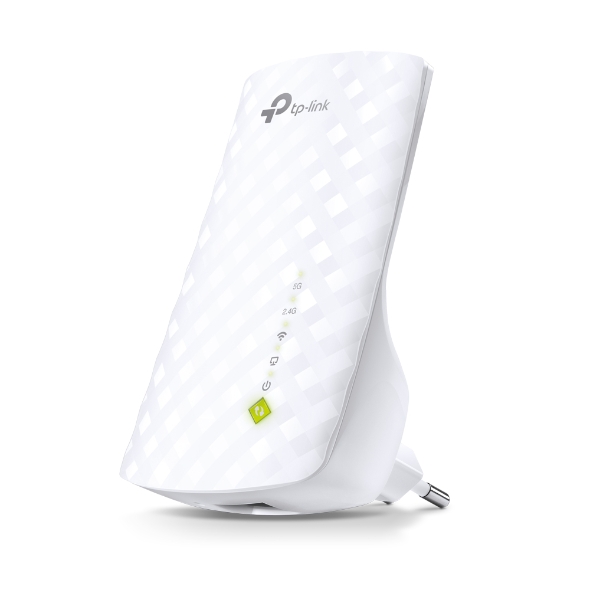
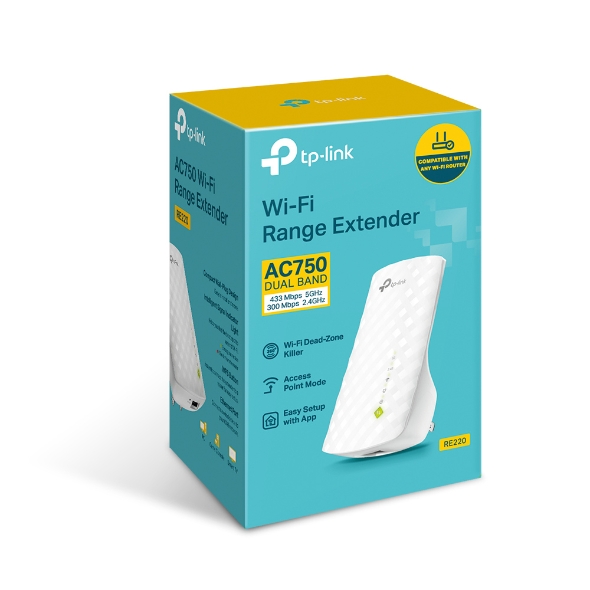
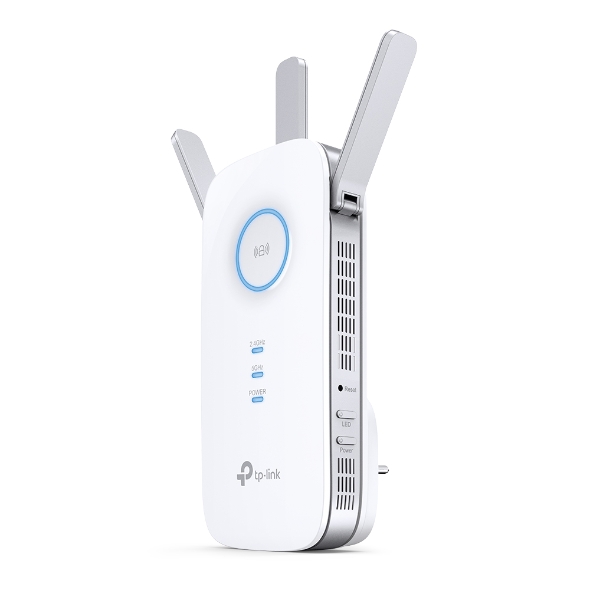
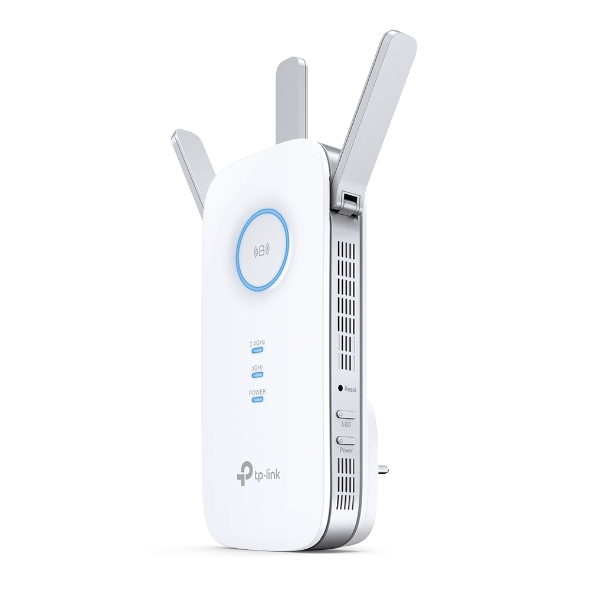
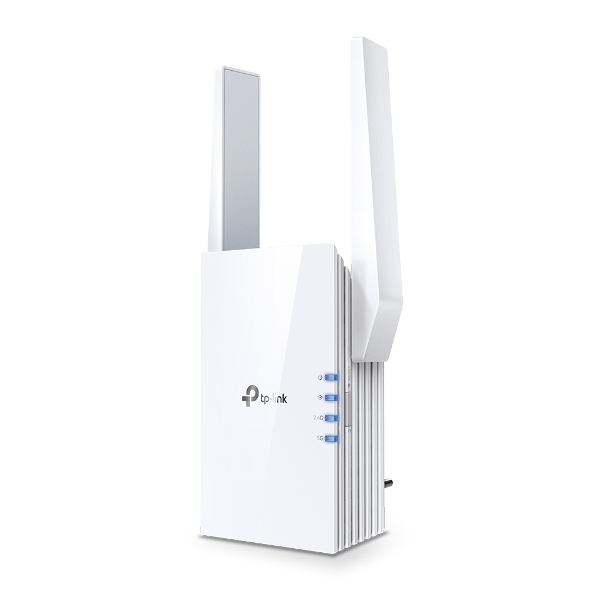
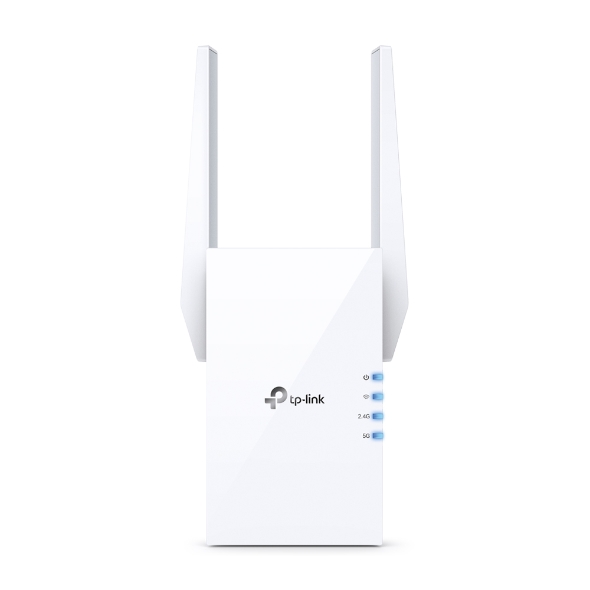
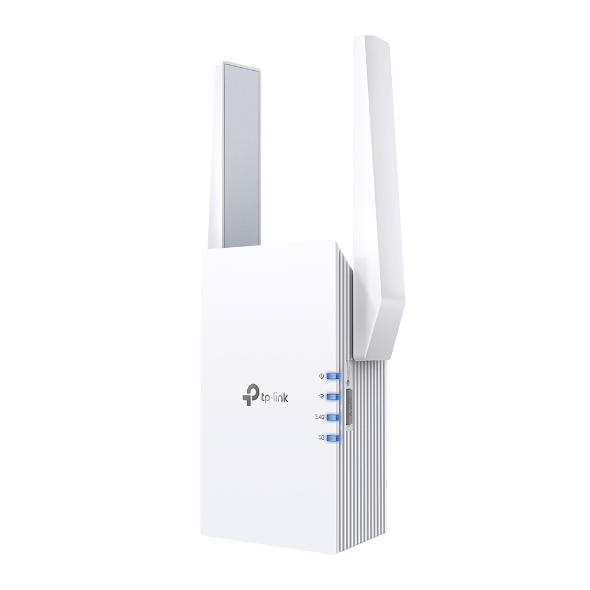
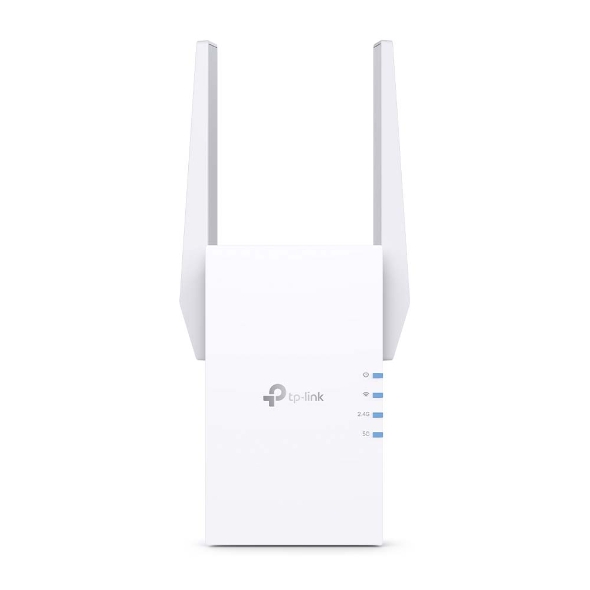
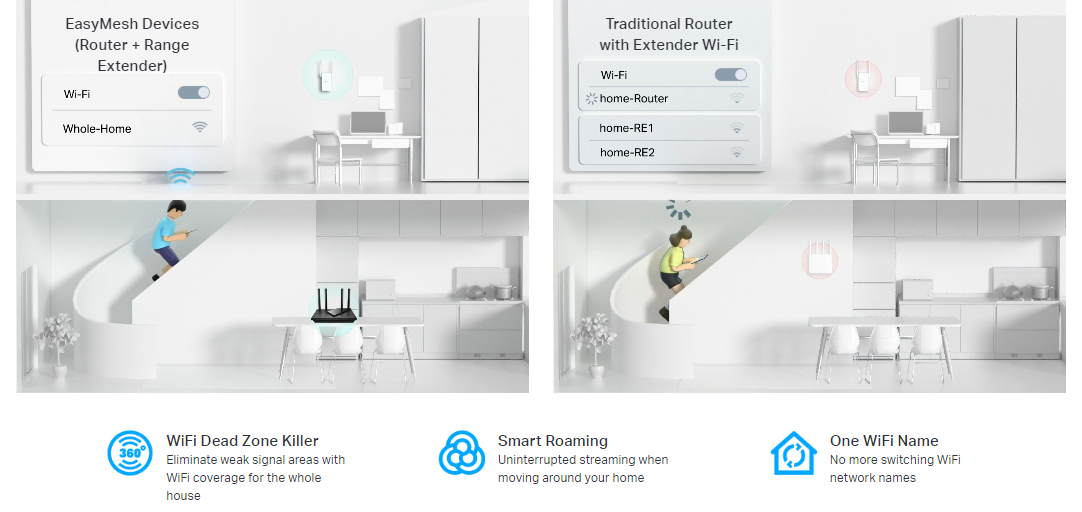
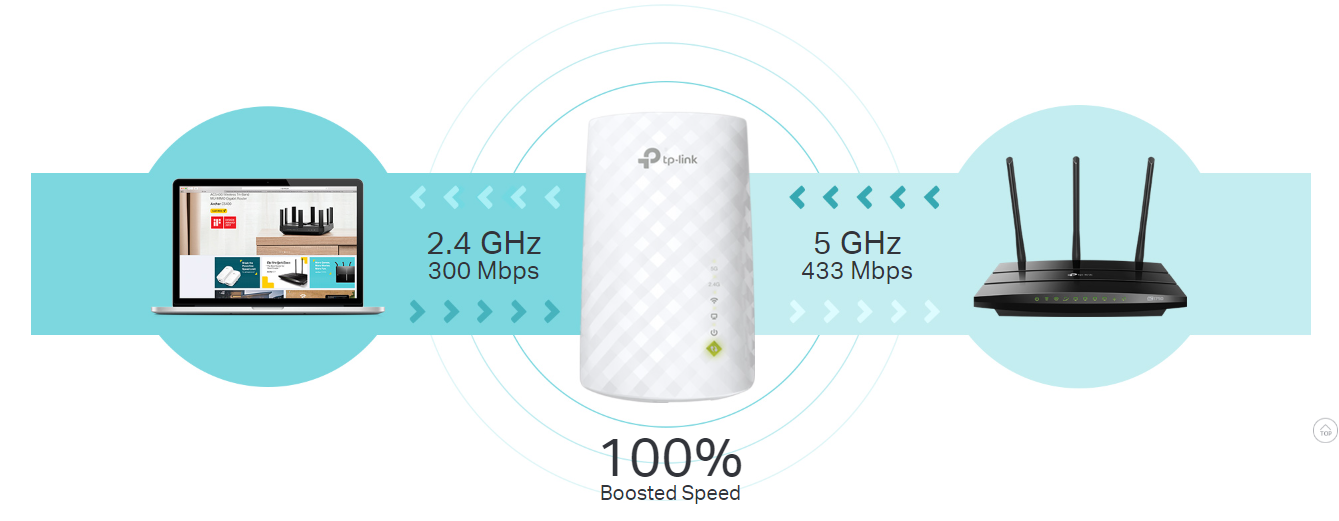
The TP-Link RE220 AC750 Mesh Wi-Fi Range Extender is a versatile device designed to seamlessly extend your Wi-Fi coverage and eliminate dead zones in your home. TP-Link RE220 comes With dual-band speeds up to 750Mbps (300Mbps on 2.4GHz and 433Mbps on 5GHz), TP-Link RE220 it also ensures fast and stable connections for activities like streaming, gaming, and browsing. The TP-Link RE220 utilizes Mesh technology, which integrates with your existing router to create a unified network, eliminating the need for multiple Wi-Fi names.
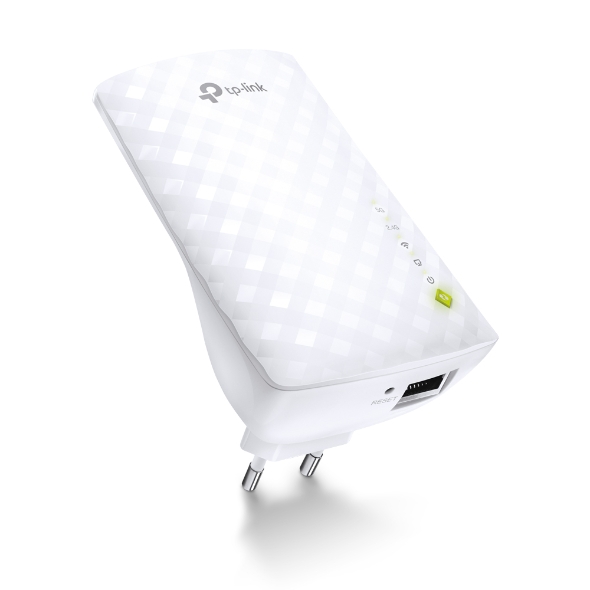
TP-Link RE220 has a compact plug-and-play design makes installation a breeze, and the Smart Signal Indicator helps you find the ideal location for maximum coverage. TP-Link RE220 extender also includes an Ethernet port for connecting wired devices such as gaming consoles or smart TVs. TP-Link RE220 is Compatible with most routers, the TP-Link RE220 is an easy solution to expand your Wi-Fi coverage without any hassle.
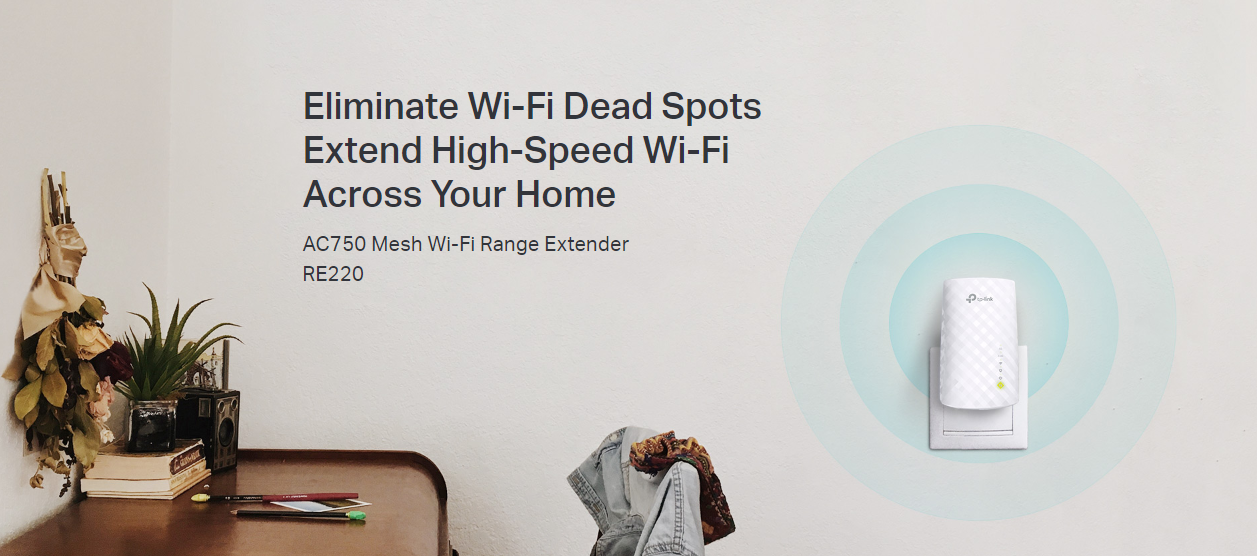
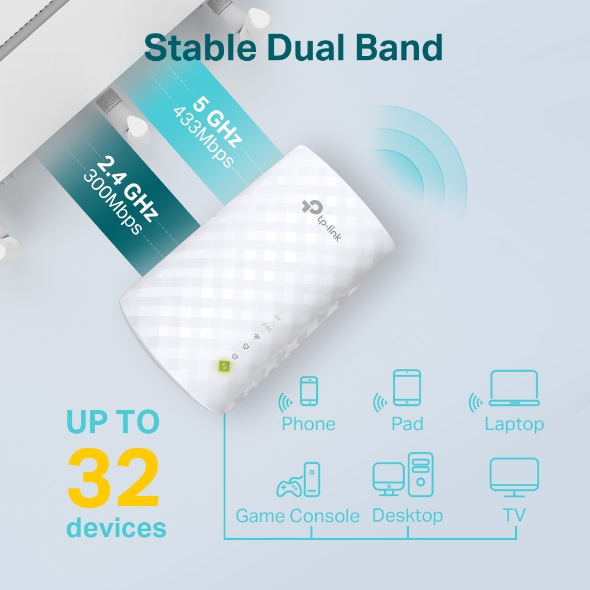
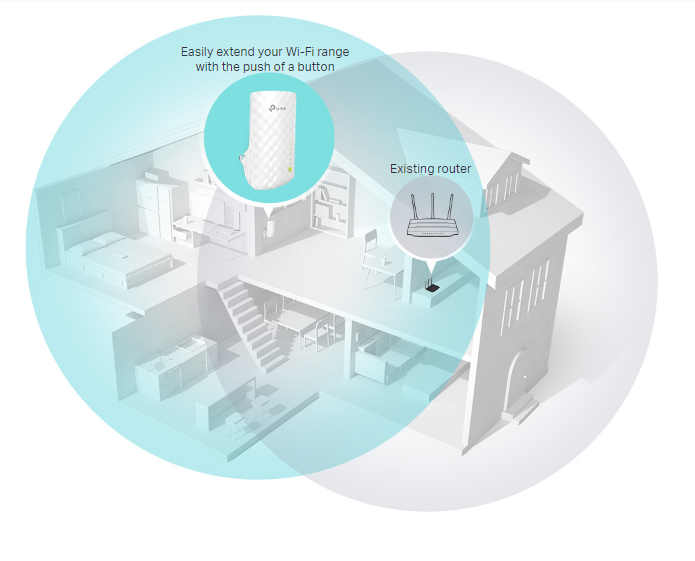
Place the RE220 between your wireless router and wireless devices, expanding Wi-Fi coverage while eliminating Wi-Fi dead zones. The dual-band Wi-Fi up to 750 Mbps can not only extend to 32,00 sq. ft. (300m2) with the router, but also make good use of your high ISP speed , ideal for HD video streaming, online gaming and other bandwidth-intensive tasks.
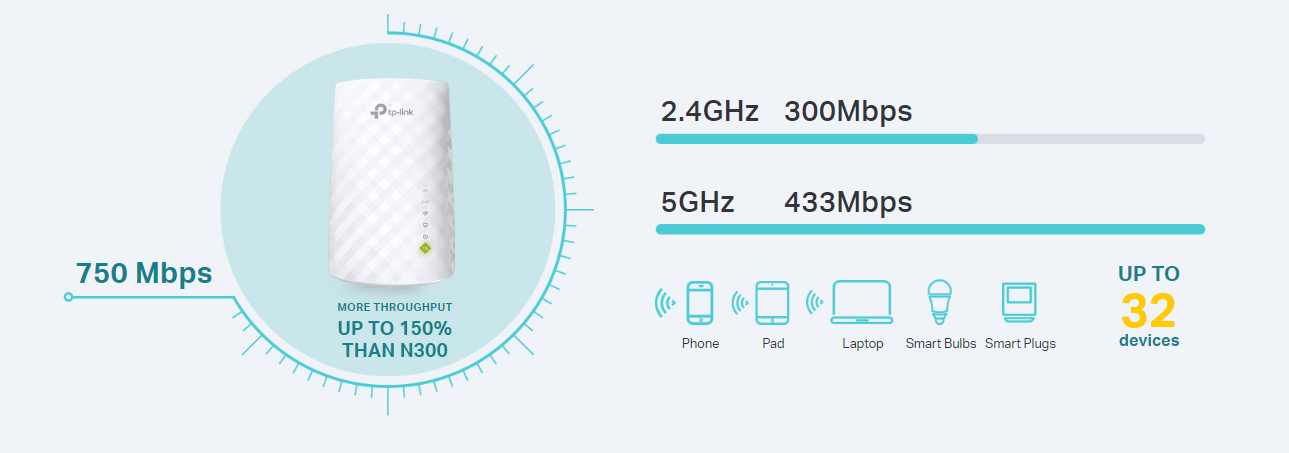
The RE220’s Wireless AC technology creates faster and stronger Wi-Fi connections across your home and extends dual band Wi-Fi up to 750 Mbps. Dual 2.4 GHz and 5 GHz bands provide Wi-Fi connections to up to 32 devices, allowing you to enjoy stable and drop-free experience on all your devices.
If you have any dead zones at home, just add another EasyMesh-compatible router/range extender to further form your whole home multi-gigabit mesh WiFi. No more searching for a stable connection.
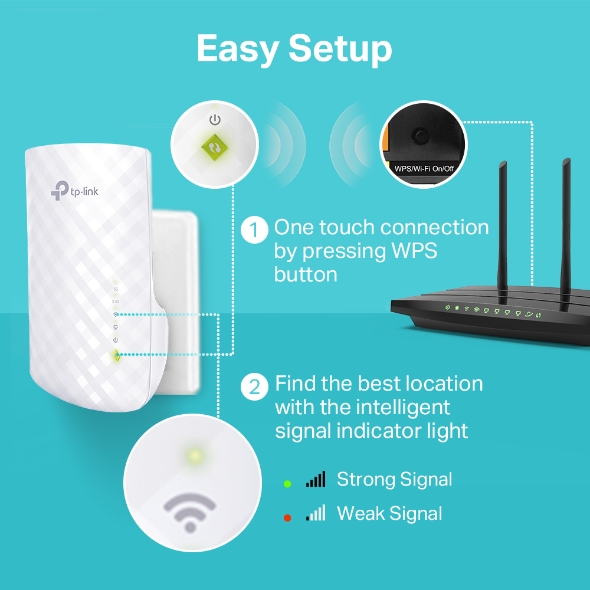
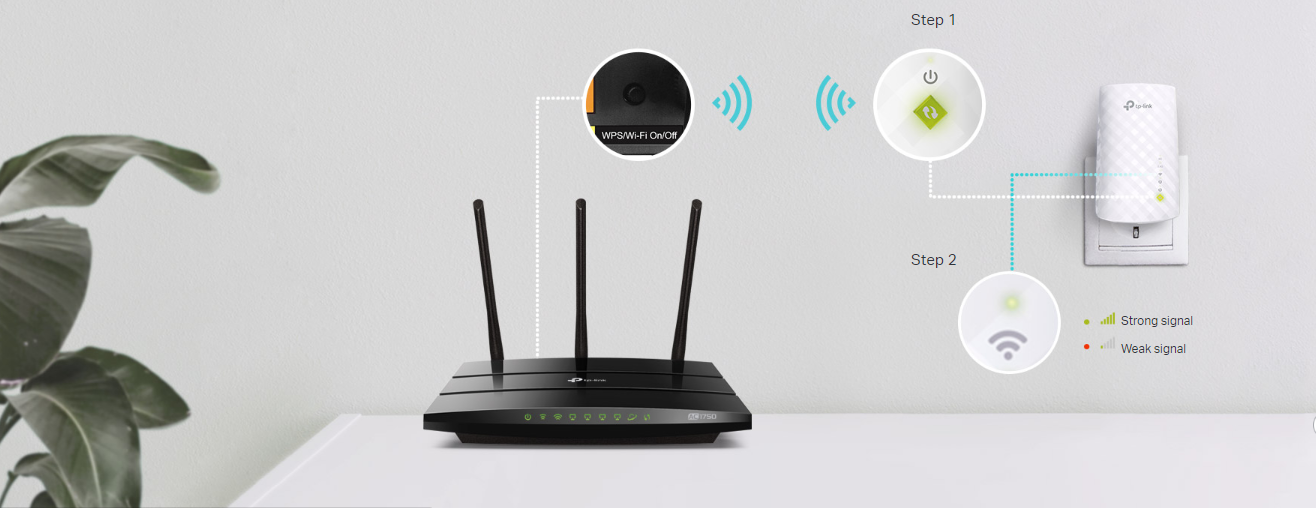
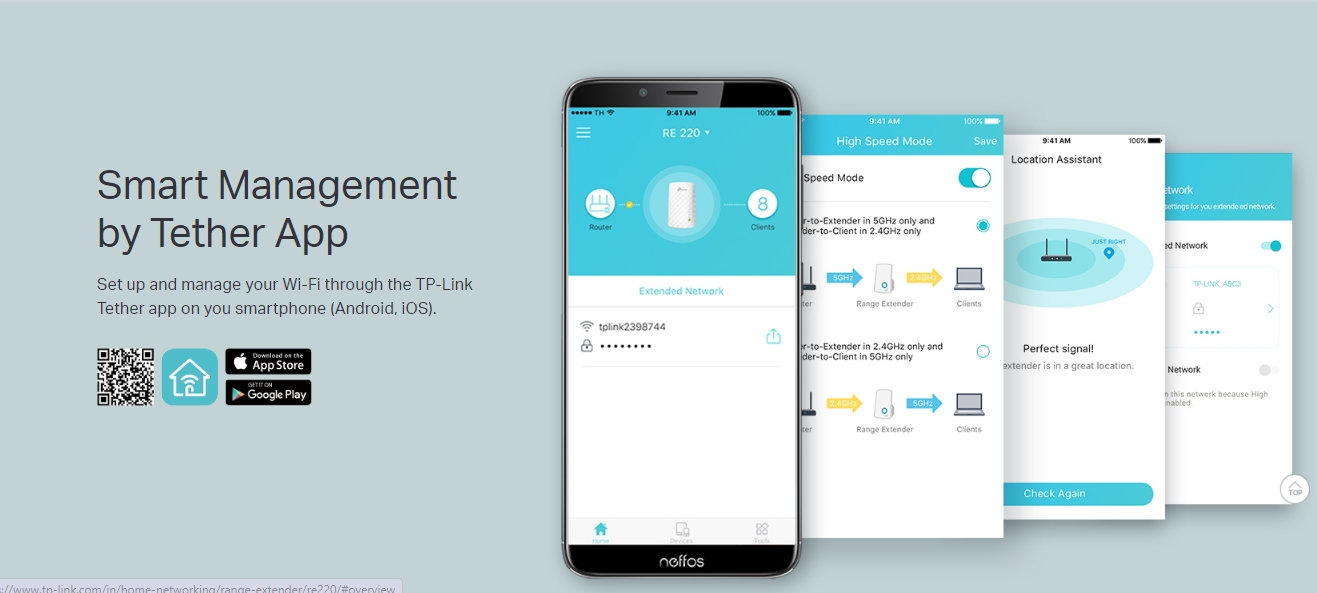
Step 1: Press the WPS button on the router and RE220 to easily connect the extender to the network. Or connect the
extender via Tether app or Web UI if your router doesn’t support WPS.
Step 2: Relocate the extender to a better location for optimal Wi-Fi coverage with the help of the smart signal indicator light.
The Ethernet port of RE220 can easily turn your wired Internet connection into a wireless access point. And it can also function as a wireless adapter to connect wired devices.
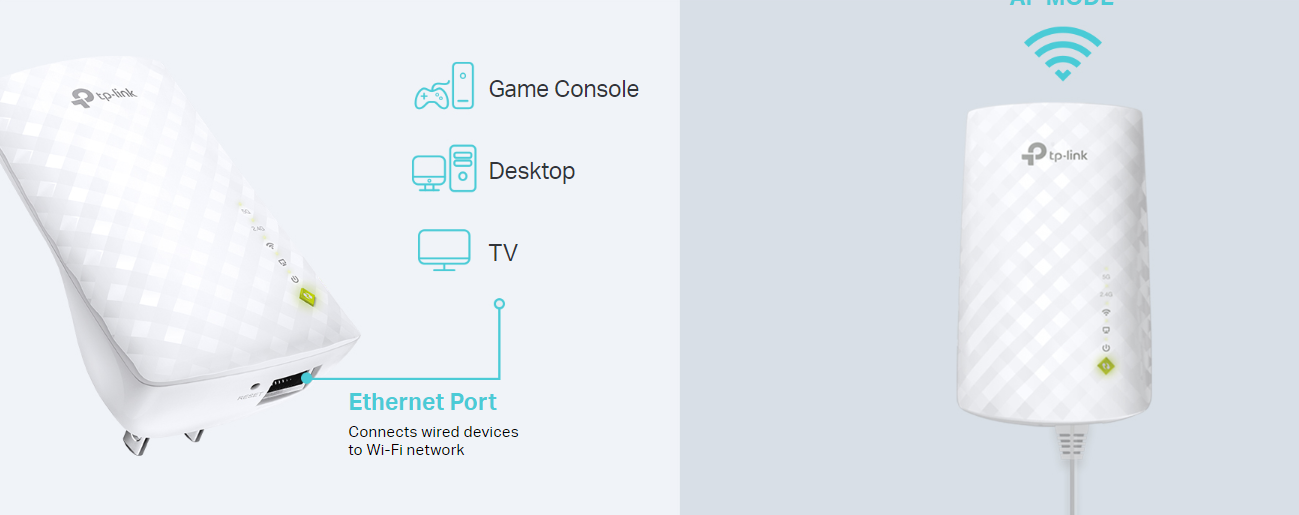
High Speed Mode uses one dedicated Wi-Fi band as backhaul and another dedicated Wi-Fi band as an access point to maximize the bandwidth on extender Wi-Fi.
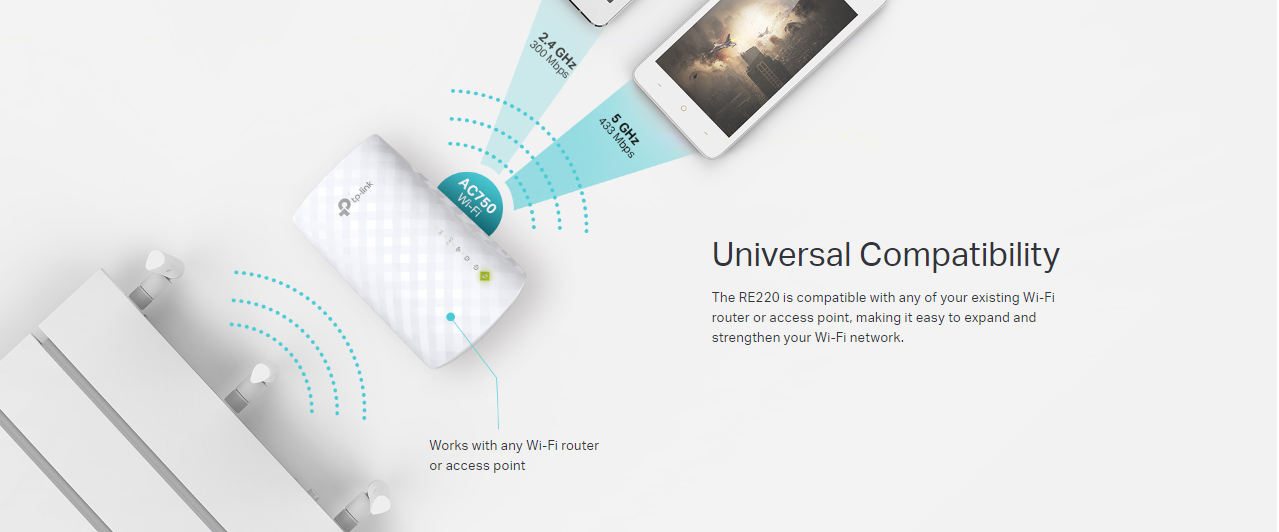
The RE220 is compatible with any of your existing Wi-Fi router or access point, making it easy to expand and strengthen your Wi-Fi network.

| Brand Name | Tp-Link |
| Model Name | RE220 |
| WIRELESS | |
|---|---|
| Working Modes | Range Extender/Access Point |
| HARDWARE FEATURES | |
|---|---|
| Standards and Protocols | IEEE802.11ac,IEEE 802.11n, IEEE 802.11g, IEEE 802.11b |
| Plug Type | EU, UK, US, AU |
| Interface | 1 x 10/100M Ethernet Port (RJ45) |
| Ports | 1 x 10/100Mbps Ethernet Port (RJ45) |
| Button | RE (Range Extender) Button, Reset Button |
| Input Power | 100-240V~50/60Hz |
| Power Consumption | About 6.5W |
| Dimensions ( W x D x H ) | 4.3x 2.6 x 3.0in. (110.0 x 65.8 x 75.2mm) |
| Antenna | 3 x internal |
| WIRELESS FEATURES | |
|---|---|
| Wireless Standards | IEEE 802.11a/n/ac 5GHz, IEEE 802.11b/g/n 2.4GHz |
| Frequency | 2.4GHz & 5GHz |
| Signal Rate | 5GHz:Up to 433Mbps 2.4GHz:Up to 300Mpbs |
| Working Modes | Range Extender/Access Point |
| Reception Sensitivity | 2.4G: 270M: -70dBm@10% PER 130M: -70dBm@10% PER 108M: -73dBm@10% PER 54M: -75dBm@10% PER 11M: -86dBm@8% PER 6M: -92dBm@10% PER 1M: -94dBm@8% PER 5G: 390M: -60dBm@10% PER 29.3M: -83dBm@10% PER 180M: -64dBm@10% PER 13.5M: -87dBm@10% PER 78M: -68dBm@10% PER 6.5M: -90dBm@10% PER 54M: -75dBm@10% PER 6M:-90dBm@10% PER |
| Transmit Power | < 20 dBm (EIRP) |
| Wireless Modes | Range Extender |
| Wireless Functions | WMM (Wi-Fi Multimedia) Wireless Statistic Domain Login Function |
| Wireless Security | 64/128/152-bit WEP WPA-PSK / WPA2-PSK |
| Transmission Power | < 20 dBm (EIRP) |
| OTHERS | |
|---|---|
| Certification | CE, FCC, RoHS |
| Package Contents | AC750 Wi-Fi Range Extender RE200 Quick Installation Guide |
| System Requirements | Microsoft® Windows® 98SE, NT, 2000, XP, Vista or Windows 7, 8, 10, Mac® OS, NetWare®, UNIX® or Linux. |
| Environment | Operating Temperature: 0°C~40°C (32°F~104°F) Storage Temperature: -40°C~70°C (-40°F~158°F) Operating Humidity: 10%~90% non-condensing Storage Humidity: 5%~90% non-condensing |
| Warranty Period | 3 Year |
| Warranty Provider | Contact TP-link Service Centre for warranty |
| Country of Origin | China |
| Manufacturer Details | TP-Link Corporation Limited, Kowloon, Hong Kong |
| Importer Details | TP-Link India Private Limited, Palghar, Vasai, 401208 |
| Packer Details | TP-Link India Private Limited, Palghar, Vasai, 401208 |
Product Overview
Only logged in customers who have purchased this product may leave a review.
In stock
Out of stock
In stock
In stock
In stock
Verified owner Sudhakar (verified owner) –