
 HD Cameras and Webcam
 Projectors and Speakers
 VOIP Phones and Gateway
 Access Control
 5G routers and 4G LTE Devices
 Smart Sensors And Automation
 Fiber and SFP Modules
 Firewall & Cloud Controllers
 Network Adapters and Accessories
 Network Switches
 PoE Switches
 Point To Point Wireless Radio
 Routers
 Wireless Access Points
 IP Cameras
 Memory Cards
 NVR
NVR Smart WiFi Cameras
 Storage Devices
 Desktop & Laptop RAMs
 Internal and External Hard Drives
 Storage Accessories and Enclosures
 SSD and NVMe Drives
 USB Flash Drives


-
 Pick up from the FGTECH Store
-
Courier delivery
-
Porter / WeFast
-
Fast Delivery ( By Air )


 Pick up from the FGTECH Store
  Courier delivery
Porter / WeFast
Fast Delivery ( By Air )
Courier delivery
Porter / WeFast
Fast Delivery ( By Air ) In stock
In stock
| Weight | 0.76 kg |
|---|---|
| Dimensions | 13 × 19 × 12 cm |
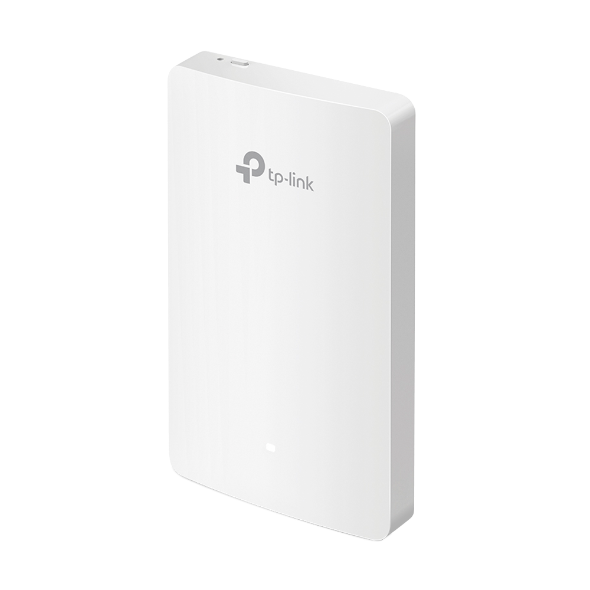
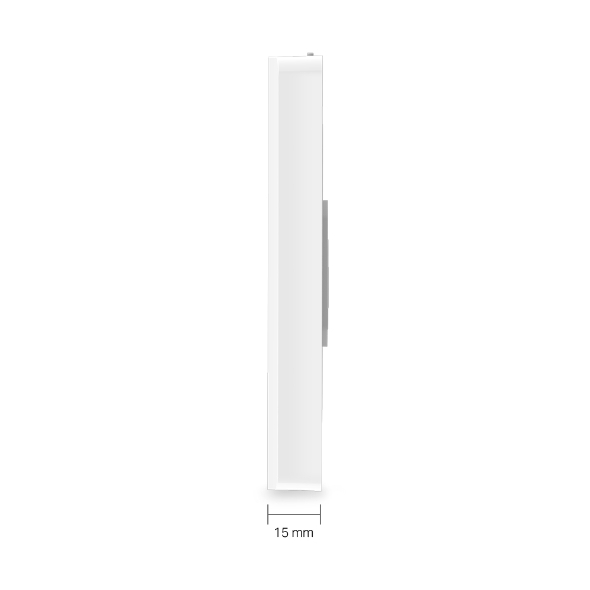
| Brand | TP-Link |
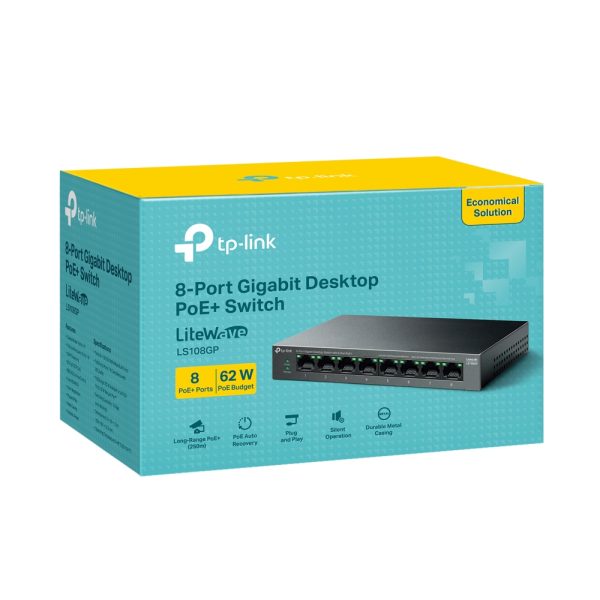
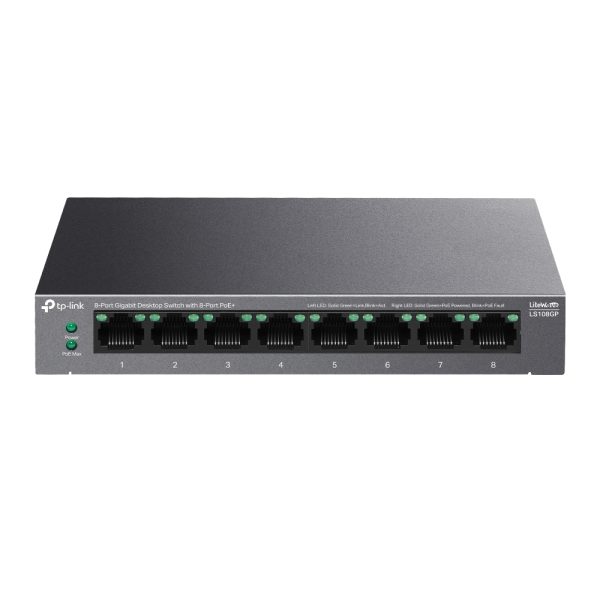
| Model | LS108GP |
| Badges | 24Hr Dispatch |
In stock
In stock
In stock
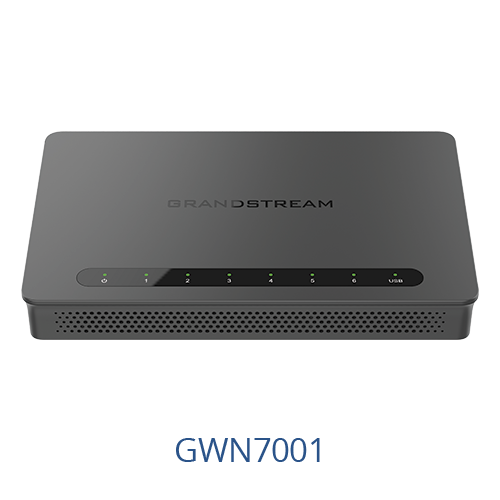
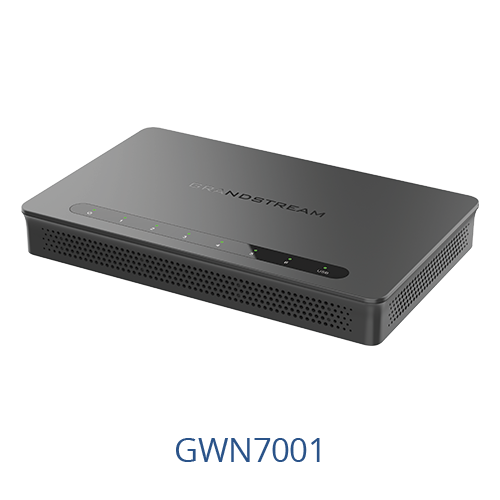
| Weight | 0.64 kg |
|---|---|
| Dimensions | 24.6 × 23.5 × 5.4 cm |
| Brand | Grandstream |
| Model | GWN7001 |
| Badges | 24Hr Dispatch |
| Warranty | 3 Years |
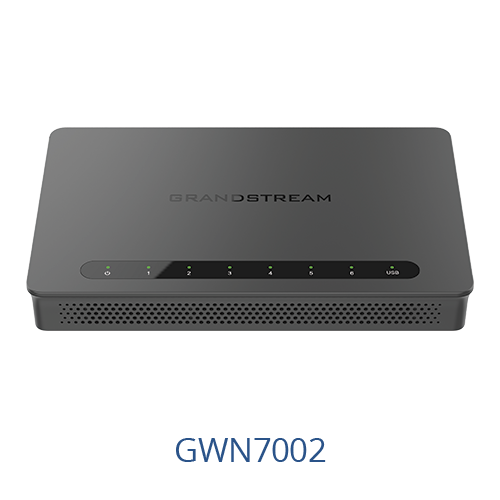
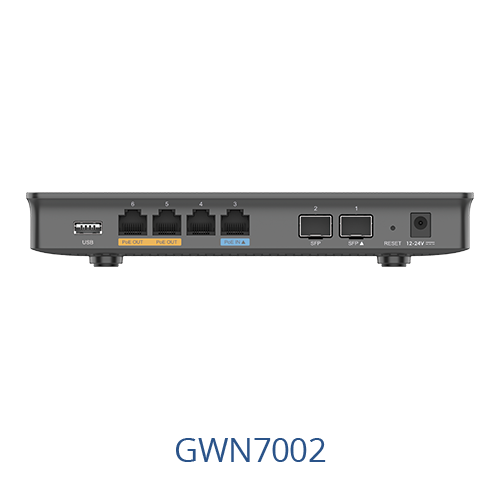
In stock
| Weight | 0.73 kg |
|---|---|
| Dimensions | 24.6 × 23.5 × 5.4 cm |
| Brand | Grandstream |
| Model | GWN7002 |
| Warranty | 3 Years |
| Badges | 24Hr Dispatch |
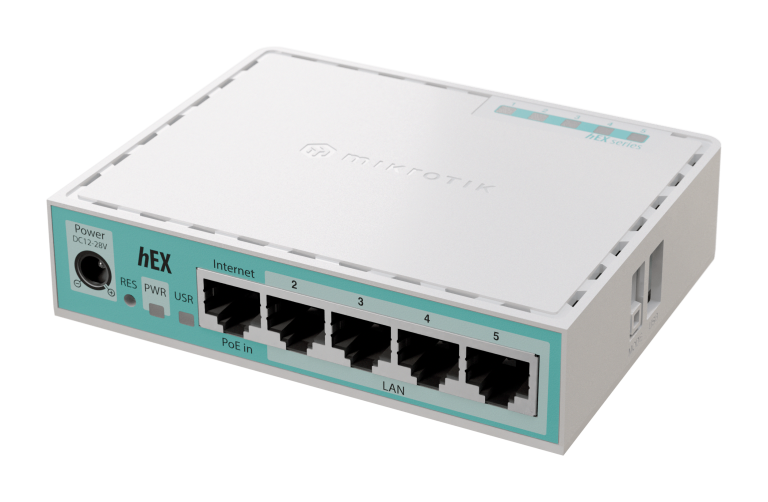
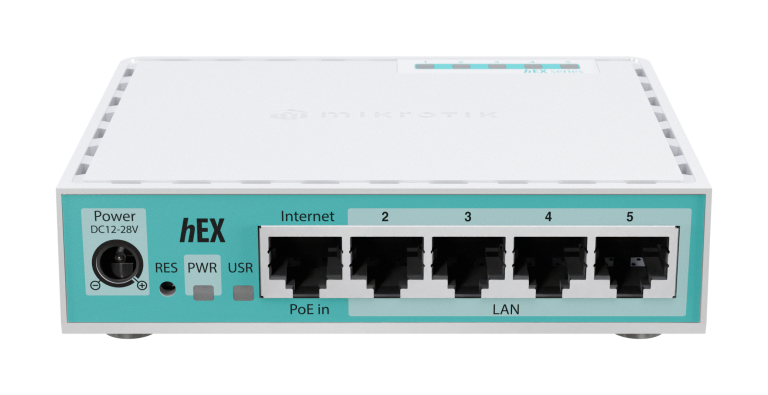
In stock
| Weight | 0.30 kg |
|---|---|
| Dimensions | 13 × 9.5 × 6.5 cm |
| Brand | MikrotikAuthorized MikroTik Seller India: Next-Gen Networking & RouterOS v7 Solutions |
| Model | hEX refresh (E50UG) |
| Badges | 24Hr Dispatch, New Launch |
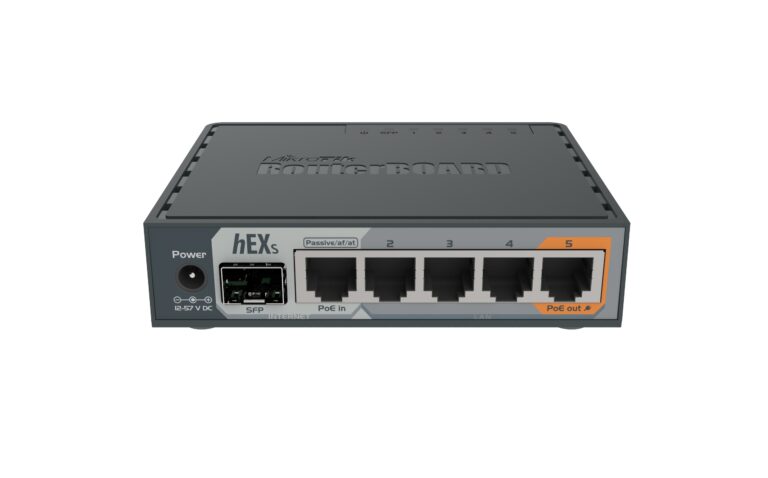
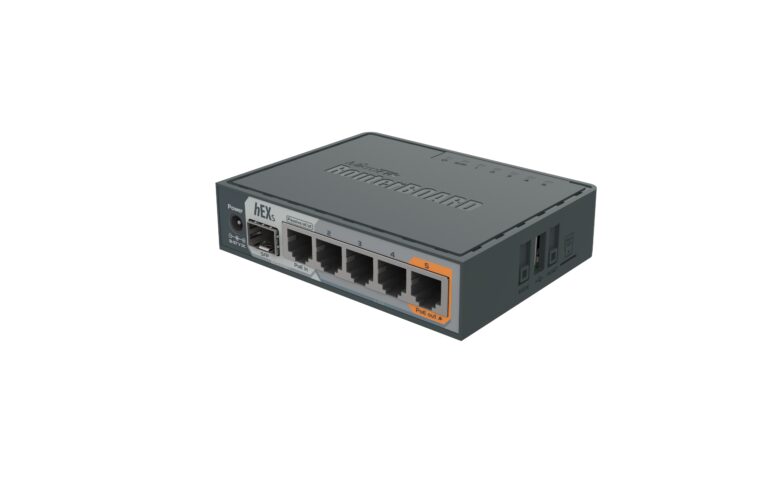
In stock
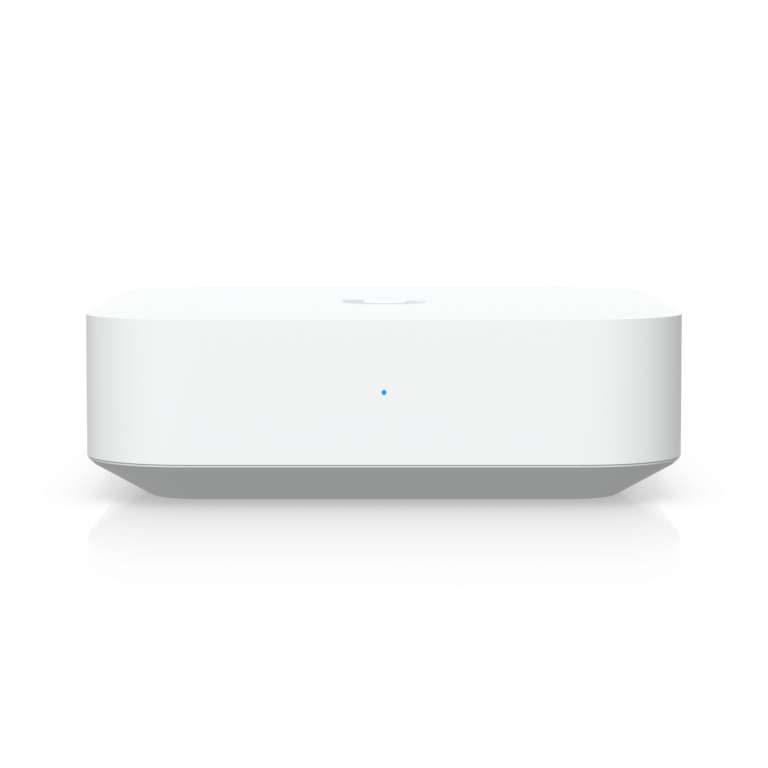
In stock
| Weight | 0.320 kg |
|---|---|
| Dimensions | 9.8 × 9.8 × 3.00 cm |
| Brand | Ubiquiti |
| Model | UXG-Lite |
| Badges | 24Hr Dispatch |
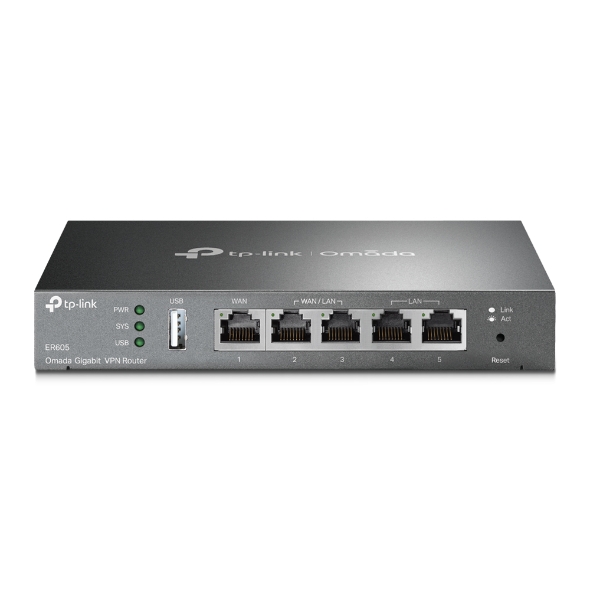
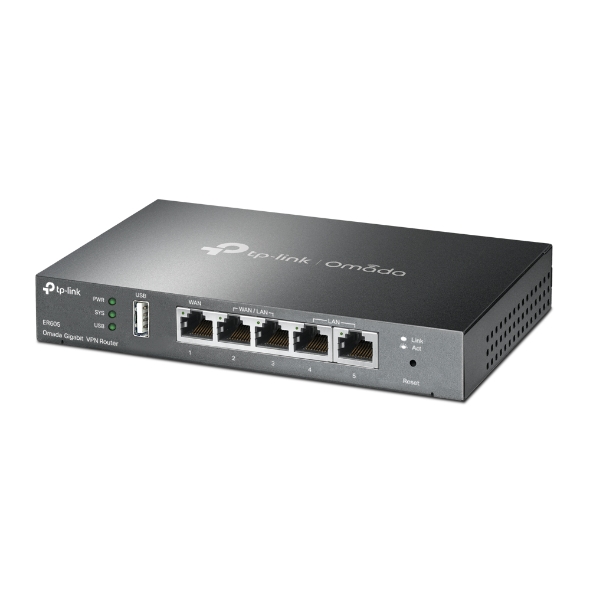
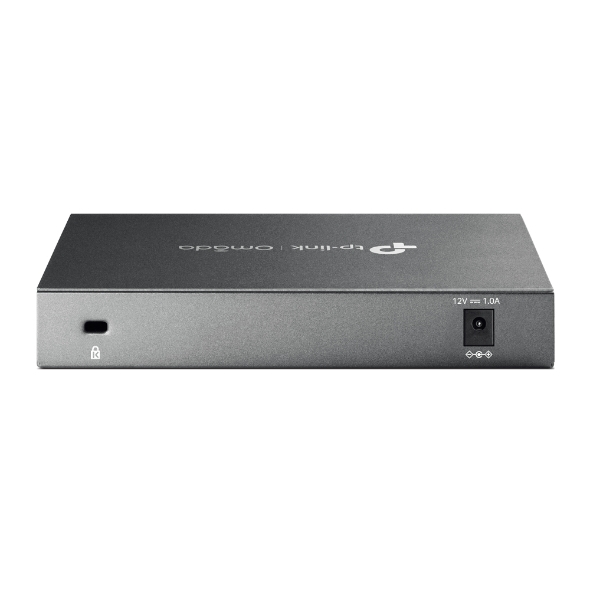
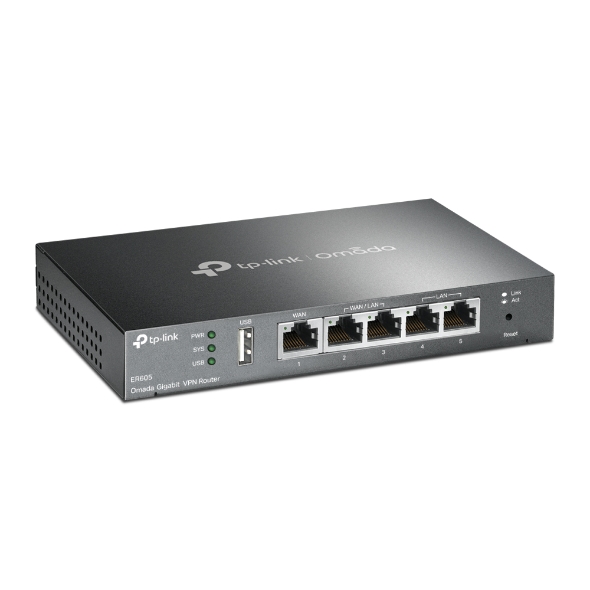
TP-Link ER605 VPN router is a top choice for secure, reliable networks, featuring robust VPN protocols, multi-WAN load balancing for connection stability, and strong security protections. Its easy setup, centralized management, and affordable price make it ideal for small businesses and home offices.
TP-Link ER605 is Integrated with Omada SDN, this router provides centralized, cloud-based management for seamless monitoring and control of network traffic, making it an ideal choice for businesses requiring robust security and easy network scaling. TP-Link ER605 comes With advanced VPN capabilities, including OpenVPN, IPsec, PPTP, and L2TP, the TP-Link ER605 offers secure, remote access options for users, making it perfect for businesses with remote teams.
Video: What is Omada Cloud SDN?


As the gateway that seamlessly integrates into the Omada Software Defined Networking (SDN) platform, TP-Link ER605 allows for remote and centralized management, anywhere, anytime. Standalone management via the Web UI or app is also available to maximize convenience.


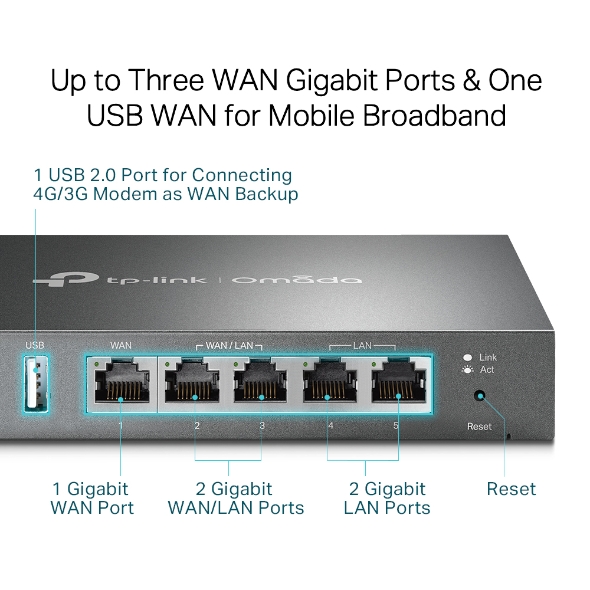
Two freely interchangeable ports allow the router to support up to three WAN ports for various Internet access requirements. The multi-WAN Load Balancing function distributes data streams according to the bandwidth proportion of every WAN port to raise the utilization rate of multi-line broadband.
Mobile broadband via 4G/3G modem by connecting to the USB port is also supported for WAN backup.

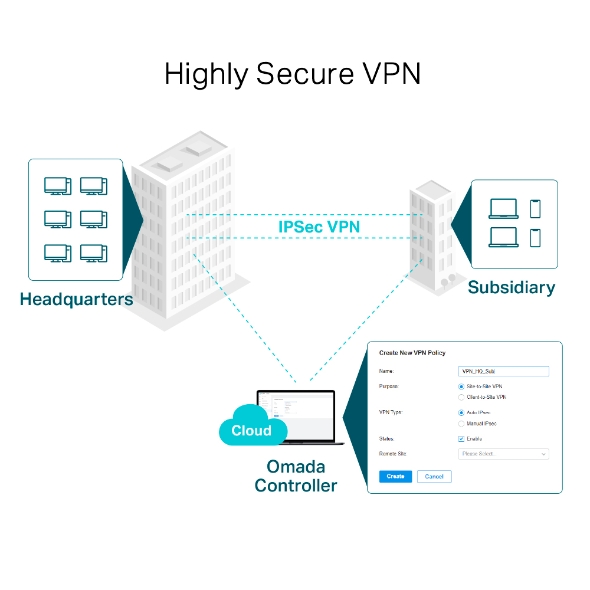
TP-Link ER605 supports IPSec/PPTP/L2TP VPN over IPSec/SSL protocols. One-click auto IPSec VPN* greatly simplifies VPN configuration and facilitates network management and deployment. It also secures and encrypts private site-to-site data communications traveling over the internet. This version improves VPN performance by 4–5 times thanks to the open line of communication with Omada’s user base.


Administrators can moderate users’ online behavior and easily specify employees’ internet access rights and strategies via IP/MAC/URL Filtering and Access Control List (ACL). Captive Portal authentication facilitates network resource control by capturing, authenticating, and classifying user access. Appropriate network resources can also be allocated for particular users or guests.

Follow configuration instructions on the free Omada app to get set up in minutes. Omada lets you configure settings, monitor the network status, and manage clients, all from the convenience of a mobile device.

For the complete compatibility list of 4G/3G modem, go to https://www.tp-link.com/en/er605/compatibility/
*These functions requires the use of Omada Hardware Controller, Software Controller, or Cloud-Based Controller.
† LAN MAC Address can be modified only in Standalone Mode.
§ These functions are supported only in Standalone Mode.
△For OpenVPN: When set up as a VPN server, each WAN port can connect with up to 10 VPN clients. At the same time, the TP-Link ER605 can work as a VPN client to connect with up to 10 VPN servers. The total number of OpenVPN tunnels is limited to 16.
**For PPTP and L2TP VPN: TP-Link ER605 can work as a VPN client and can connect with up to 10 VPN servers.
***Zero-Touch Provisioning requires the use of Omada Cloud-Based Controller. Go to https://www.tp-link.com/en/omada-cloud-based-controller/product-list/ to confirm which models are compatible with Omada Cloud-Based Controller.

| Brand Name | TP-Link |
| Model Name | ER605 |
| Dimension(cm) | 25X19X6 |
| Weight(kg) | 0.70 |
| SECURITY | |
|---|---|
| Access Control | Source/Destination IP Based Access Control |
| Filtering | • WEB Group Filtering§ • URL Filtering • Web Security§ |
| ARP Inspection | • Sending GARP Packets§ • ARP Scanning§ • IP-MAC Binding§ |
| Attack Defense | • TCP/UDP/ICMP Flood Defense • Block TCP Scan (Stealth FIN/Xmas/Null) • Block Ping from WAN |
| HARDWARE FEATURES | |
|---|---|
| Standards and Protocols | • IEEE 802.3, 802.3u, 802.3ab, IEEE 802.3x, IEEE 802.1q • TCP/IP, DHCP, ICMP, NAT, PPPoE, NTP, HTTP, HTTPS, DNS, IPSec, PPTP, L2TP, OpenVPN, SNMP |
| Interface | • 1 Fixed Gigabit WAN Port • 2 Fixed Gigabit LAN Ports • 2 Changeable Gigabit WAN/LAN Ports • 1 USB 2.0 Port (Connecting 4G/3G Modem as WAN Backup‡) |
| Network Media | • 10BASE-T: UTP category 3, 4, 5 cable (Max 100m) EIA/TIA-568 100Ω STP (Max 100m) • 100BASE-TX: UTP category 5, 5e cable (Max 100m) EIA/TIA-568 100Ω STP (Max 100m) • 1000BASE-T: UTP category 5, 5e, 6 cable (Max 100m) |
| Fan Quantity | Fanless |
| Button | Reset Button |
| Power Supply | External 12V/1A DC Adapter |
| PoE Budget | - |
| Flash | 128 MB NAND |
| DRAM | 256 MB DDR |
| LED | PWR, SYS, WAN (Link/Act), LAN (Link/Act), USB |
| Dimensions ( W x D x H ) | 6.2 × 4.0 × 1.0 in (158 × 101 × 25mm) |
| Protection | 4 kV surge protection |
| Enclosure | Steel |
| Mounting | Desktop/Wall-mount |
| Max Power Consumption | 7.94 W |
| PERFORMANCE | |
|---|---|
| DPI Throughput | TCP: 905 Mbps; UDP: 788 Mbps |
| Concurrent Session | 150,000 |
| New Sessions /Second | 2,600 |
| NAT (Static IP) | • Upload: 945.77 Mbps • Download: 945.56 Mbps • Bi-Directional: 1808.29 Mbps |
| NAT(DHCP) | • Upload: 945.93 Mbps • Download: 945.43 Mbps • Bi-Directional: 1808.11 Mbps |
| NAT(PPPoE) | • Upload: 940.44Mbps • Download: 940.52 Mbps • Bi-Directional: 1804.27 Mbps |
| NAT (L2TP) | • Upload: 845.64 Mbps • Download: 802.65 Mbps • Bi-Directional: 931.96 Mbps |
| NAT (PPTP) | • Upload: 771.66 Mbps • Download: 874.81 Mbps • Bi-Directional: 999.54 Mbps |
| 64 Byte Packet Forwarding Rate | • Upload/Download: 1,402,238 pps • Bi-Directional: 1,681,548 pps |
| IPsec VPN Throughput | • ESP-MD5-AES256: 171.26 Mbps • ESP-SHA1-AES256: 224.86 Mbps • ESP-SHA2-AES256: 248.04 Mbps |
| OpenVPN | • 21.70 Mbps |
| L2TP VPN Throughput | • Unencrypted: 864.65 Mbps • Encrypted: 47.11 Mbps |
| PPTP VPN Throughput | • Unencrypted: 703.20 Mbps • Encrypted: 76.65 Mbps |
| SSL VPN Throughput | - |
| 66 Byte Packet forwarding rate | • Upload/Download: 954.50 Mbps • Bi-Directional: 1130.00 Mbps |
| 1,518 Byte Packet forwarding rate | • Upload/Download: 997.50 Mbps • Bi-Directional: 1965.00 Mbps |
| BASIC FUNCTIONS | |
|---|---|
| WAN Connection Type | • Static/Dynamic IP • PPPoE • PPTP • L2TP • Mobile Broadband: 4G/3G modem for backup via USB port‡ |
| MAC Clone | Modify WAN/LAN MAC Address† |
| DHCP | • DHCP Server/Client • DHCP Address Reservation • Multi-net DHCP* • Multi-IP Interfaces* |
| IPv6 | StaticIP / SLAAC / DHCPv6 / PPPoE / 6to4Tunnel / PassThrough |
| VLAN | 802.1Q VLAN |
| IPTV | IGMP v2/v3 Proxy, Custom Mode, Bridge Mode |
| ADVANCED FUNCTIONS | |
|---|---|
| ACL | IP/Port/Protocol/Domain Name Filtering |
| Advanced Routing | • Static Routing • Policy Routing |
| Bandwidth Control | IP-based Bandwidth Control |
| Load Balance | • Intelligent Load Balance • Application Optimized Routing • Link Backup (Timing§, Failover) • Online Detection |
| NAT | • One-to-One NAT§ • Multi-Net NAT • Virtual Server • Port Triggering§ • NAT-DMZ • FTP/H.323/SIP/IPSec/PPTP ALG, UPnP |
| Security | • SPI Firewall • VPN Passthrough • FTP/H.323/PPTP/SIP/IPsec ALG • DoS Defence, Ping of Death • Local Management |
| Session Limit | IP-based Session Limit |
| VPN | |
|---|---|
| IPsec VPN | • 20 IPsec VPN Tunnels • LAN-to-LAN, Client-to-LAN • Main, Aggressive Negotiation Mode • DES, 3DES, AES128, AES192, AES256 Encryption Algorithm • IKEv1/v2 • MD5, SHA1 Authentication Algorithm • NAT Traversal (NAT-T) • Dead Peer Detection (DPD) • Perfect Forward Secrecy (PFS) |
| PPTP VPN | • PPTP VPN Server • 10 PPTP VPN Clients** • 16 Tunnels • PPTP with MPPE Encryption |
| L2TP VPN | • L2TP VPN Server • 10 L2TP VPN Clients** • 16 Tunnels • L2TP over IPSec |
| OpenVPN | • OpenVPN Server* • 10 OpenVPN Clients*△ • 16 OpenVPN Tunnels* |
| AUTHENTICATION | |
|---|---|
| Web Authentication | • No Authentication • Simple Password* • Hotspot(Local User / Voucher* / SMS* / Radius*) • External Radius Sever • External Portal Sever* • Facebook* |
| MANAGEMENT | |
|---|---|
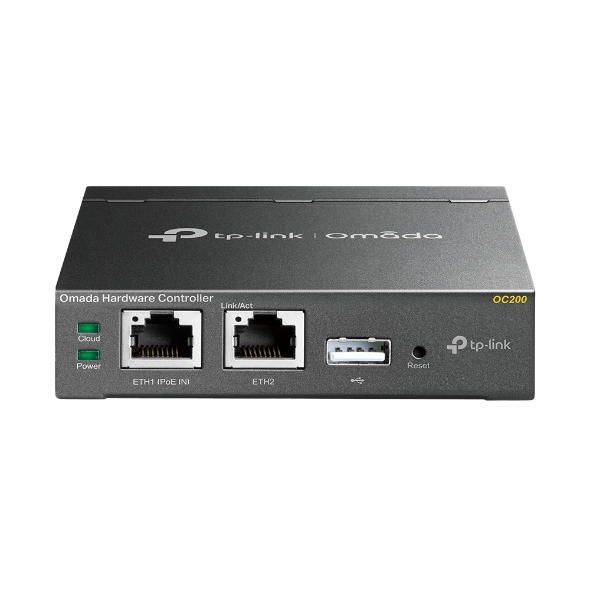
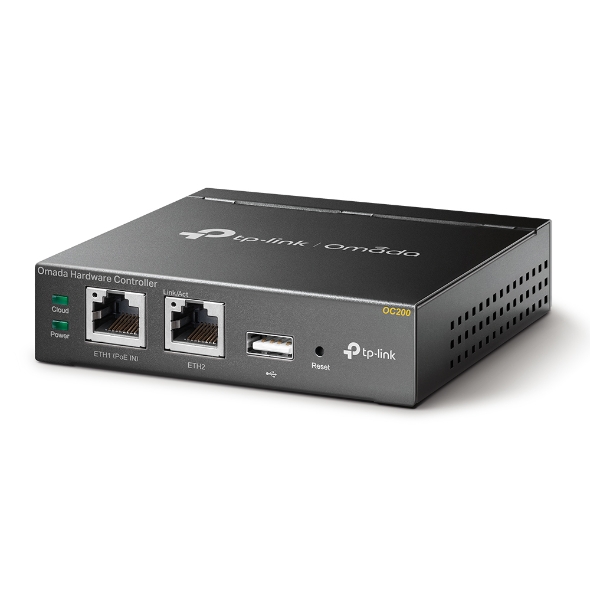
| Omada App | Yes. Requiring the use of OC300, OC200, Omada Cloud-Based Controller, or Omada Software Controller. |
| Centralized Management | Omada Hardware Controller (OC300) Omada Hardware Controller (OC200) Omada Software Controller Omada Cloud-Based Controller |
| Cloud Access | Yes. Requiring the use of OC300, OC200, Omada Cloud-Based Controller, or Omada Software Controller. |
| Service | Dynamic DNS (Dyndns, No-IP, Peanuthull, Comexe) |
| Maintenance | • Web Management Interface • Remote Management • Export & Import Configuration • SNMP v1/v2c/v3 • Diagnostics (Ping & Traceroute)§ • NTP Synchronize§ • Syslog Support |
| Zero-Touch Provisioning | Yes. Requiring the use of Omada Cloud-Based Controller. |
| Management Features | • Automatic Device Discovery • Intelligent Network Monitoring • Abnormal Event Warnings • Unified Configuration • Reboot Schedule • Captive Portal Configuration |
| OTHERS | |
|---|---|
| Certification | CE, FCC, RoHS |
| Package Contents | • Gigabti VPN Router ER605 • Power Adapter • RJ45 Ethernet Cable • Quick Installation Guide |
| System Requirements | Microsoft Windows 98SE, NT, 2000, XP, Vista™ or Windows 7/8/8.1/10/11, MAC OS, NetWare, UNIX or Linux |
| Environment | • Operating Temperature: 0–40 ℃ (32–104 ℉); • Storage Temperature: -40–70 ℃ (-40–158 ℉) • Operating Humidity: 10–90% RH non-condensing • Storage Humidity: 5–90% RH non-condensing |
| Warranty Period | 3 Years |
| Warranty Provider | Contact TP-link Service Centre for warranty |
| Country of Origin | China |
| Manufacturer Details | TP-Link Corporation Limited, Kowloon, Hong Kong |
| Importer Details | TP-Link India Private Limited, Palghar, Vasai, 401208 |
| Packer Details | TP-Link India Private Limited, Palghar, Vasai, 401208 |
Product Overview
Only logged in customers who have purchased this product may leave a review.
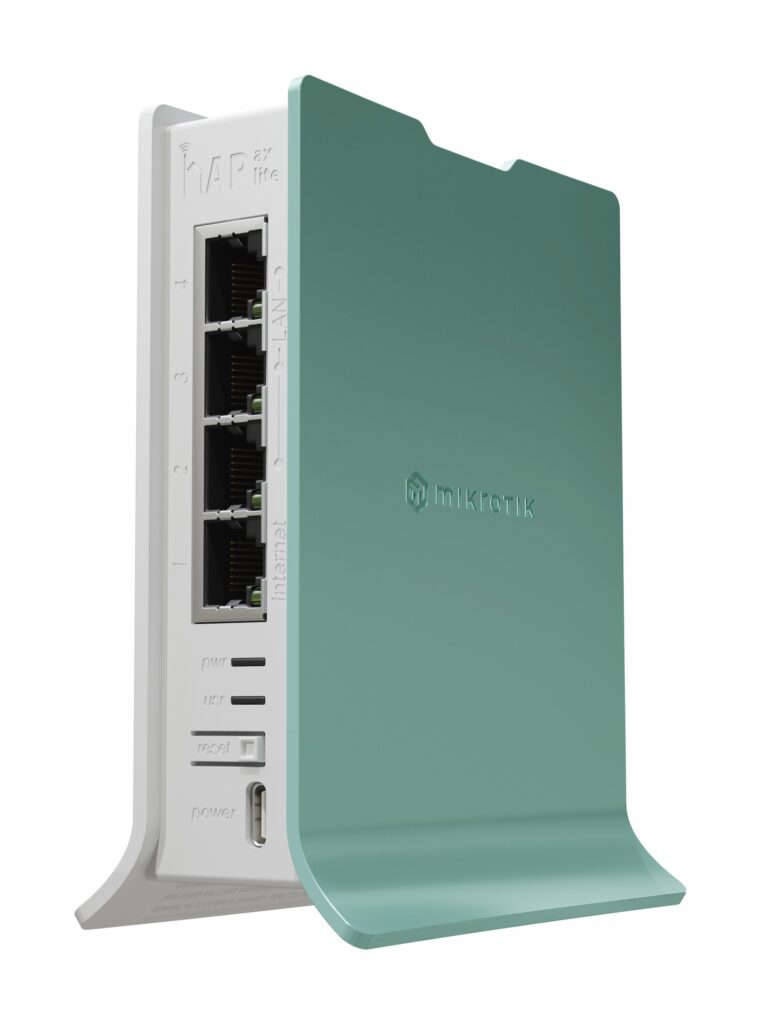
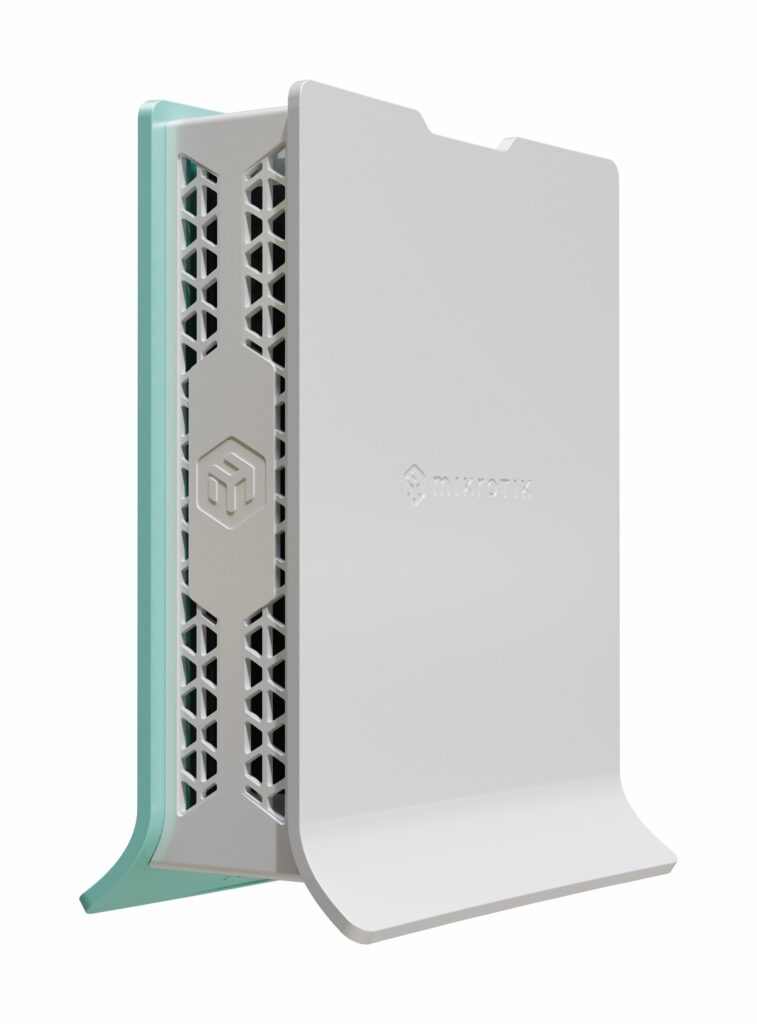
In stock
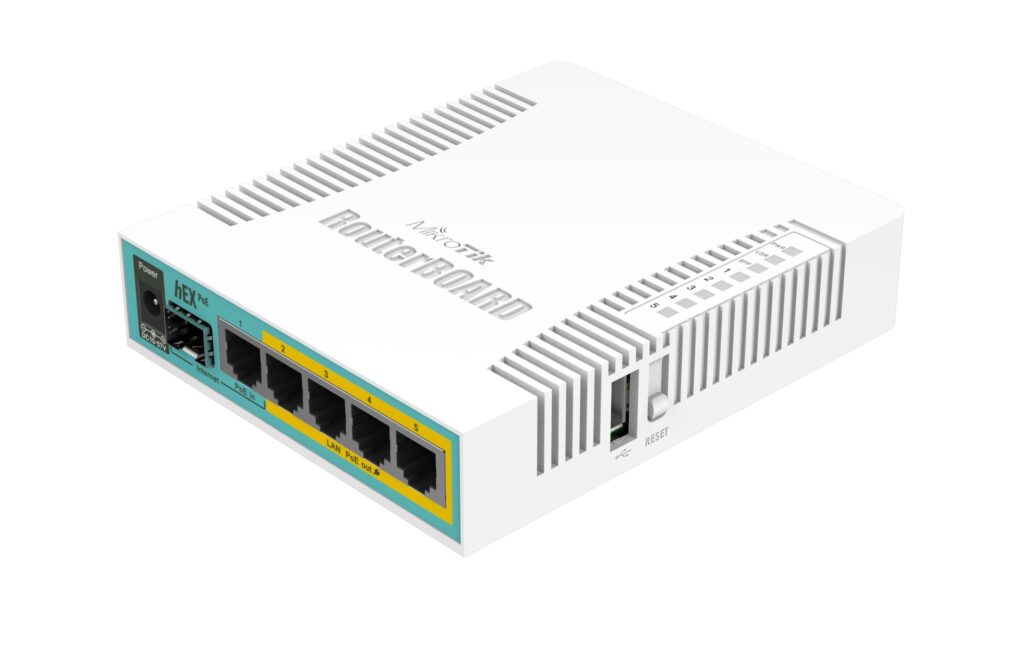
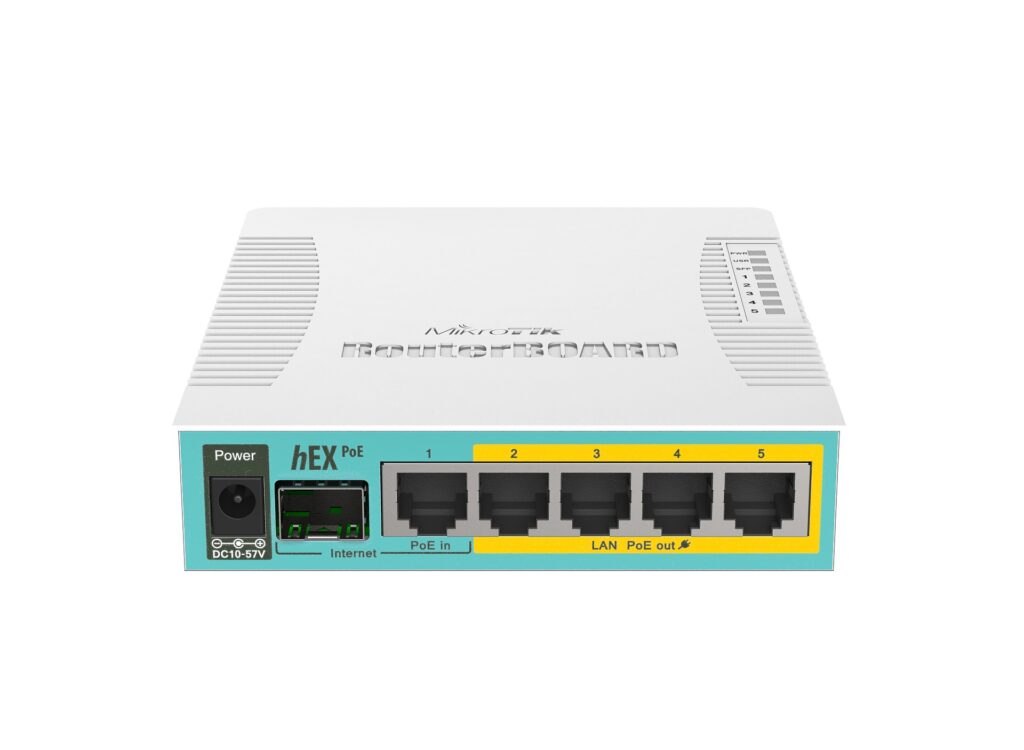
In stock
In stock
In stock
In stock
Verified owner Rituraj Choudhary (verified owner) –
Verified owner Anonymous (verified owner) –
Verified owner Jeett Dedhia (verified owner) –
Verified owner Dr Sapam Chingkhei Lakpa (verified owner) –
Great price! Thanks
Verified owner Ravi (verified owner) –
I am skeptical about if the product I recieved was brand new and factory sealed. Item had smudges and some sort of sticky residue (might be left over glue). This could also be poor quality checks from TP-Link India factory in Daman.