
 HD Cameras and Webcam
 Projectors and Speakers
 VOIP Phones and Gateway
 Access Control
 5G routers and 4G LTE Devices
 Smart Sensors And Automation
 Fiber and SFP Modules
 Firewall & Cloud Controllers
 Network Adapters and Accessories
 Network Switches
 PoE Switches
 Point To Point Wireless Radio
 Routers
 Wireless Access Points
 IP Cameras
 Memory Cards
 NVR
NVR Smart WiFi Cameras
 Storage Devices
 Desktop & Laptop RAMs
 Internal and External Hard Drives
 Storage Accessories and Enclosures
 SSD and NVMe Drives
 USB Flash Drives


-
 Pick up from the FGTECH Store
-
Courier delivery
-
Porter / WeFast
-
Fast Delivery ( By Air )

 Pick up from the FGTECH Store
  Courier delivery
Porter / WeFast
Fast Delivery ( By Air )
Courier delivery
Porter / WeFast
Fast Delivery ( By Air ) In stock
In stock
Out of stock

Out of stock
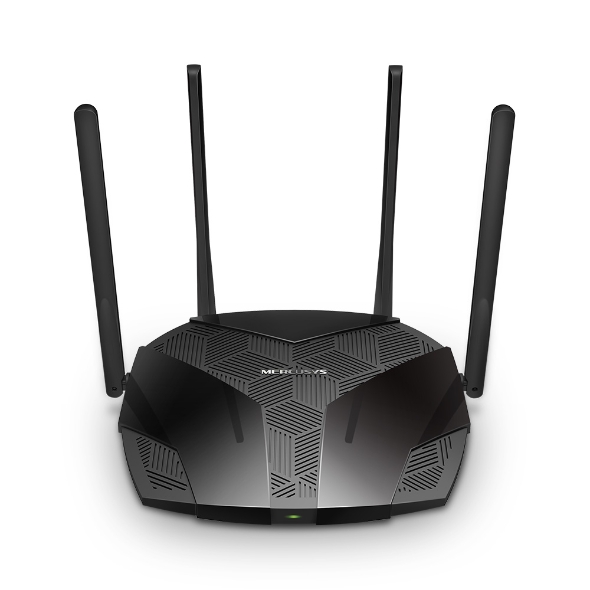
| Weight | 0.89 kg |
|---|---|
| Dimensions | 39 × 29 × 5 cm |
| Brand | Mercusys |
| Model | MR70X |
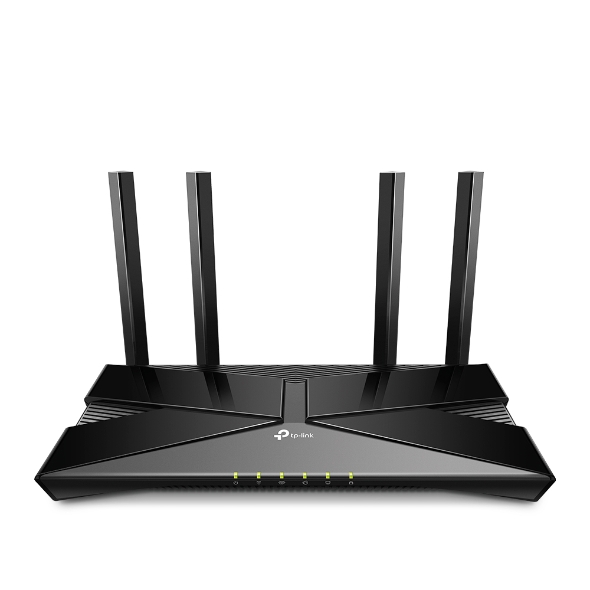
In stock
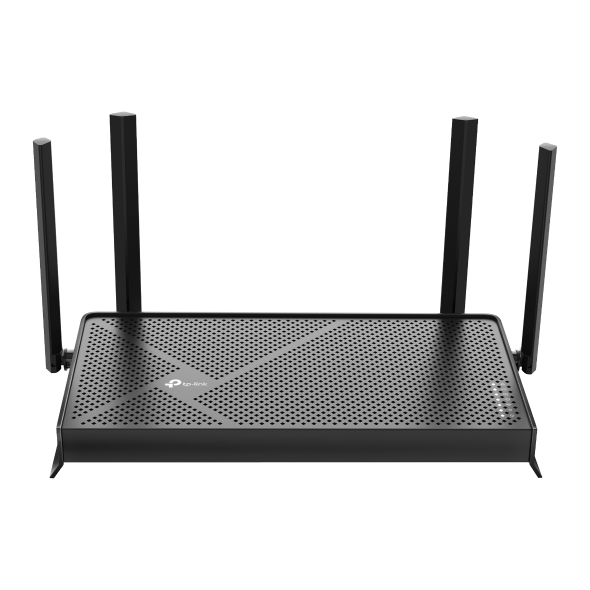
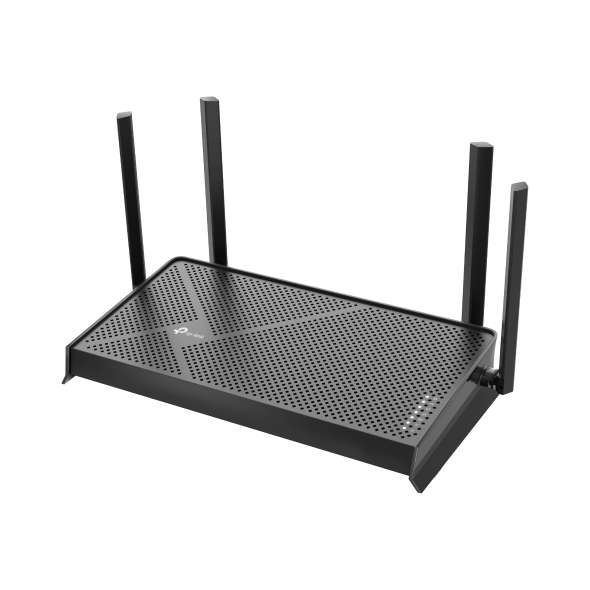
In stock
| Weight | 1.26 kg |
|---|---|
| Dimensions | 34 × 23 × 10 cm |
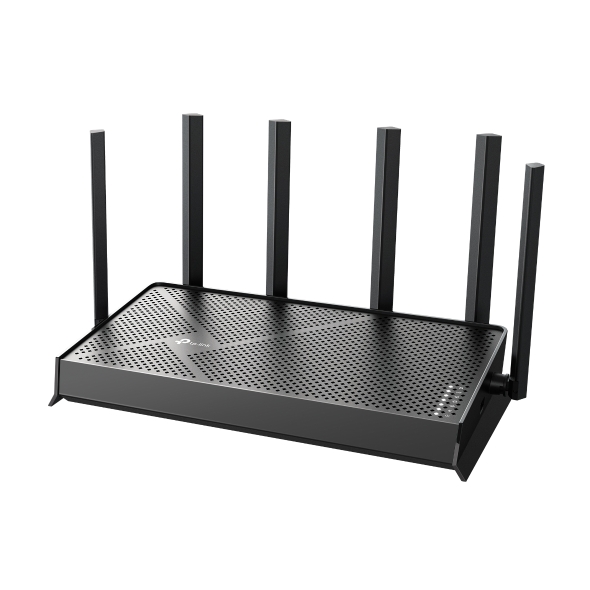
| Brand | TP-Link |
| Model | BE230 |
| Badges | 24Hr Dispatch |
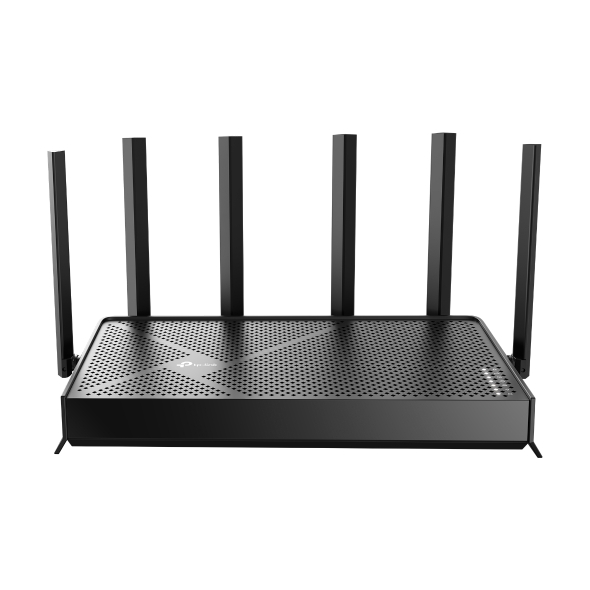
In stock
| Weight | 1.48 kg |
|---|---|
| Dimensions | 34 × 26 × 11 cm |
| Brand | TP-Link |
| Model | BE400 |
| Badges | 24Hr Dispatch |

In stock
| Weight | 0.95 kg |
|---|---|
| Dimensions | 33 × 25 × 9 cm |
| Brand | TP-Link |
| Model | XX530v |
| Badges | 24Hr Dispatch |
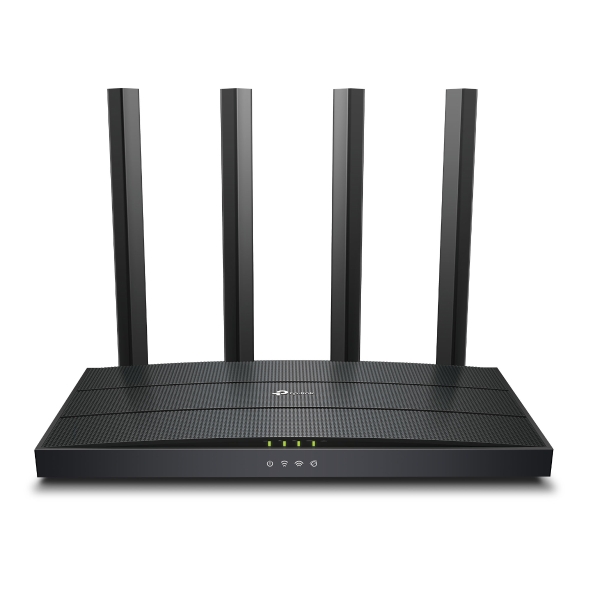
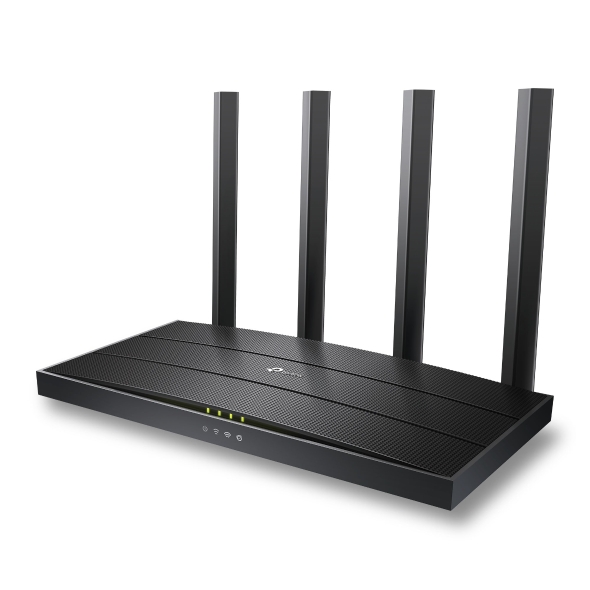
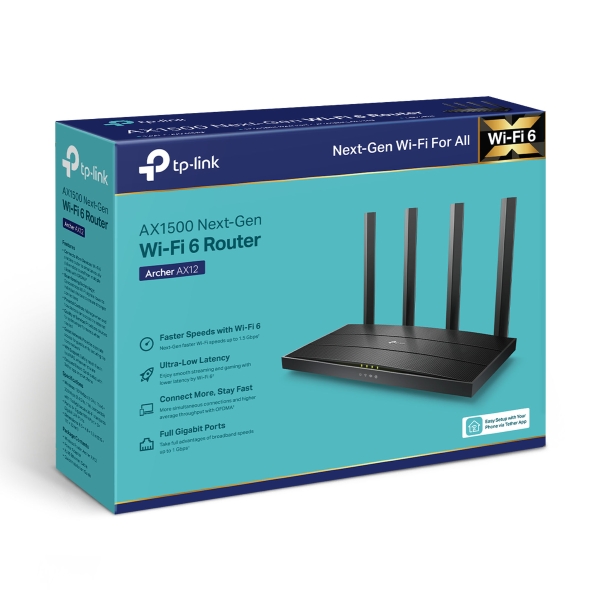
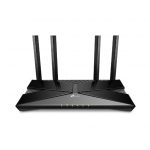
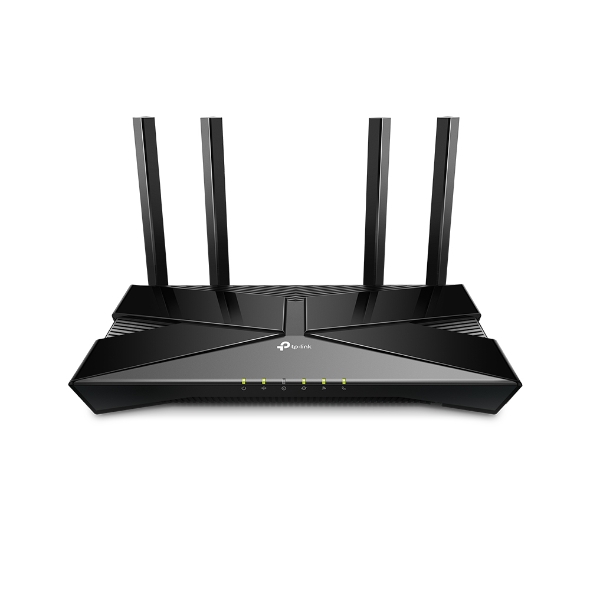
Archer AX12 AX1500 brings the Wi-Fi 6 (802.11ax) technology to your home, delivering faster speeds, improved efficiency, and better network performance for multiple devices. It comes with AX1500 speeds (300 Mbps on 2.4 GHz and 1201 Mbps on 5 GHz), and supports smooth HD streaming, online gaming, and faster downloads even in busy environments.
Archer AX12 AX1500 comes with OFDMA and MU-MIMO technology support, which allow the router to manage multiple devices more efficiently, reducing congestion and improving overall network capacity. It comes with a dual-core processor that ensures responsive and stable connections for a variety of devices. It is equipped with Beamforming technology and four high-gain antennas, and it provides wide coverage and strong signal strength throughout your home. WPA3 encryption offers enhanced security, and setup is quick and easy through the TP-Link Tether app.


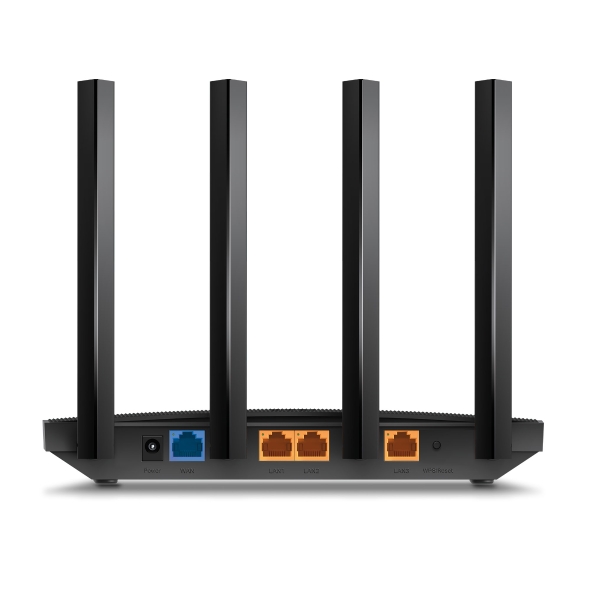
All gigabit Ethernet ports allow you to take full advantage of your broadband speed up to 1 Gbps. Plug your PCs, smart TVs, and game consoles into one of the three gigabit ethernet LAN ports for fast, reliable wired connections.


The latest Wi-Fi security protocol, WPA3, brings new capabilities to improve cybersecurity in personal networks. More secure encryption in Wi-Fi password safety and enhanced protection against brute-force attacks combine to safeguard your home Wi-Fi.

Whether you prefer the intuitive Tether app or TP-Link’s powerful web interface, you can set up your AX12 in minutes.
The Tether app allows you to manage network settings from any Android or iOS device.


| Brand Name | Tp-Link |
| Model Name | Archer AX12 |
| WIRELESS | |
|---|---|
| Standards | Wi-Fi 6 IEEE 802.11ax/ac/n/a 5 GHz IEEE 802.11n/b/g 2.4 GHz |
| WiFi Speeds | AX1500 5 GHz: 1201 Mbps (802.11ax) 2.4 GHz: 300 Mbps (802.11n) |
| WiFi Range | 2-3 Bedroom Houses 4× Fixed High-Performance Antennas Multiple antennas form a signal-boosting array to cover more directions and large areasBeamforming Concentrates wireless signal strength towards clients to expand WiFi range |
| WiFi Capacity | High Dual-Band Allocate devices to different bands for optimal performanceOFDMA Simultaneously communicates with multiple Wi-Fi 6 clientsAirtime Fairness Improves network efficiency by limiting excessive occupation4 Streams Connect your devices to more bandwidth |
| Working Modes | Router Mode Access Point Mode |
| SECURITY | |
|---|---|
| Network Security | SPI Firewall Access Control IP & MAC Binding Application Layer Gateway |
| Guest Network | 1× 5 GHz Guest Network 1× 2.4 GHz Guest Network |
| VPN Server | OpenVPN PPTP |
| WiFi Encryption | WPA2-PSK WPA2-PSK/WPA-PSK WPA3-Personal WPA3-Personal/WPA2-PSK WPA2-Enterprise WPA/WPA2-Enterprise encryptions |
| HARDWARE | |
|---|---|
| Ethernet Ports | 1× Gigabit WAN Port 3× Gigabit LAN Ports |
| Buttons | WPS/Reset Button |
| Power | 12 V ⎓ 1 A |
| SOFTWARE | |
|---|---|
| Protocols | IPv4 IPv6 |
| Parental Controls | URL Filtering Time Controls |
| WAN Types | Dynamic IP Static IP PPPoE/PPTP(Dual Access)/L2TP(Dual Access) |
| Quality of Service | QoS by Device |
| Cloud Service | Auto Firmware Upgrade OTA Firmware Upgrade TP-Link ID DDNS |
| NAT Forwarding | Port Forwarding Port Triggering DMZ UPnP |
| IPTV | IGMP Proxy IGMP Snooping Bridge Tag VLAN |
| DHCP | Address Reservation DHCP Client List Server |
| DDNS | TP-Link NO-IP DynDNS |
| Management | Tether App Webpage Check Web Emulator> |
| OTHER | |
|---|---|
| System Requirements | Microsoft Windows 98SE/NT/2000/XP/Vista™/7/8/8.1/10/11, MAC OS, NetWare, UNIX or Linux Internet Explorer 11, Firefox 12.0, Chrome 20.0, Safari 4.0, or other Java-enabled browser Cable or DSL Modem Subscription with an internet service provider (for internet access) |
| Certifications | FCC, CE, RoHS |
| Environment | Operating Temperature: 0℃~40℃ (32℉ ~104℉) Storage Temperature: -40℃~60℃ (-40℉ ~140℉) Operating Humidity: 10%~90% non-condensing Storage Humidity: 5%~90% non-condensing |
| TEST DATA | |
|---|---|
| WiFi Transmission Power | CE: <20dBm(2.4 GHz) <23dBm(5.15 GHz~5.25 GHz) FCC: <30dBm(2.4 GHz & 5.15 GHz~5.825 GHz) |
| WiFi Reception Sensitivity | 5 GHz: 11a 6Mbps:-95dBm, 11a 54Mbps:-79dBm 11ac VHT20_MCS0:-96dBm, 11ac VHT20_MCS8:-66dBm 11ac VHT40_MCS0:-94dBm, 11ac VHT40_MCS9:-63dBm 11ac VHT80_MCS0:-91dBm, 11ac VHT80_MCS9:-60dBm 11ax HE20_MCS0:-95dBm, 11ax HE20_MCS11:-66dBm 11ax HE40_MCS0:-92dBm, 11ax HE40_MCS11:-65dBm 11ax HE80_MCS0:-89dBm, 11ax HE80_MCS11:-62dBm 2.4 GHz: 11g 6Mbps: -96 54Mbps: -80 HT20-MCS0: -97 MCS7: -78 HT40-MCS0: -94 MCS7: -75 |
| PHYSICAL | |
|---|---|
| Dimensions (W×D×H) | 8.5 × 4.6 ×1.3 in (215 × 117 × 32 mm) |
| Package Contents | Wireless Router Archer AX12 Power Adapter RJ45 Ethernet Cable Quick Installation Guide |
| Warranty Provider | Contact TP-link Service Centre for warranty |
| Country of Origin | China |
| Manufacturer Details | TP-Link Corporation Limited, Kowloon, Hong Kong |
| Importer Details | TP-Link India Private Limited, Palghar, Vasai, 401208 |
| Packer Details | TP-Link India Private Limited, Palghar, Vasai, 401208 |
Product Overview
Only logged in customers who have purchased this product may leave a review.
In stock
In stock
Out of stock
In stock
In stock
Verified owner Anonymous (verified owner) –
Verified owner Animesh Singh (verified owner) –
Good 6G product with easymesh support under the price. Definitely an upgrade on the basic 5G routers provided by ISPs and also support bridge mode perfectly.
Verified owner Sudipta Mandal (verified owner) –
Verified owner Agrim Mishra (verified owner) –
Product seems fine, I get about real world ~600 Mbps speed on the 5ghz band on a 1 Gbps internet speed!!
Verified owner Gokul B (verified owner) –
Good product.. working as expected