
 HD Cameras and Webcam
 Projectors and Speakers
 VOIP Phones and Gateway
 Access Control
 LTE and 5G Devices
 Smart Sensors And Automation
 Fiber and SFP Modules
 Firewall & Cloud Controllers
 Network Adapters and Accessories
 Network Switches
 PoE Switches
 Point To Point Wireless Radio
 Routers
 Wireless Access Points
 IP Cameras
 Memory Cards
 NVR
NVR Smart WiFi Cameras
 Storage Devices
 Desktop & Laptop RAMs
 Internal and External Hard Drives
 NAS Storage & Enclosures
 SSD and NVMe Drives
 USB Flash Drives


-
 Pick up from the FGTECH Store
-
 Courier delivery
-
Porter / WeFast
-
Fast Delivery ( By Air )





 Pick up from the FGTECH Store
Courier delivery
Porter / WeFast
Fast Delivery ( By Air )
Pick up from the FGTECH Store
Courier delivery
Porter / WeFast
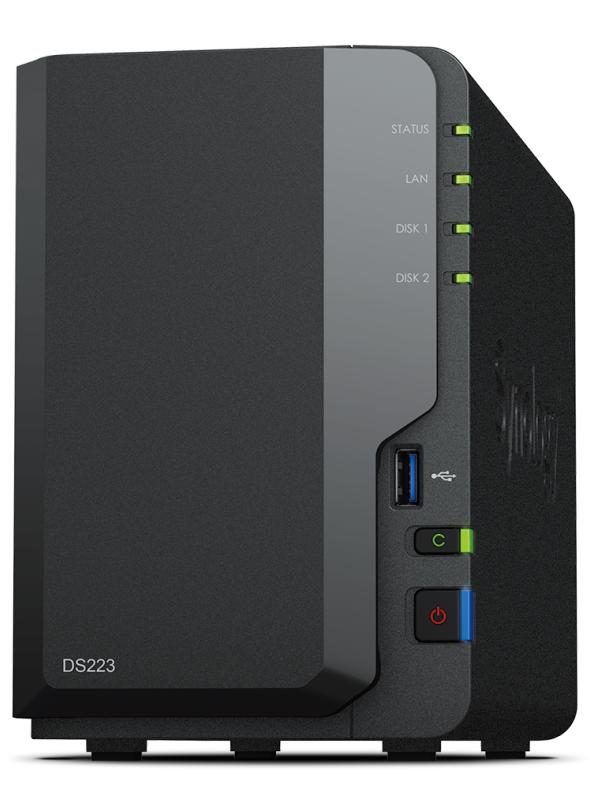
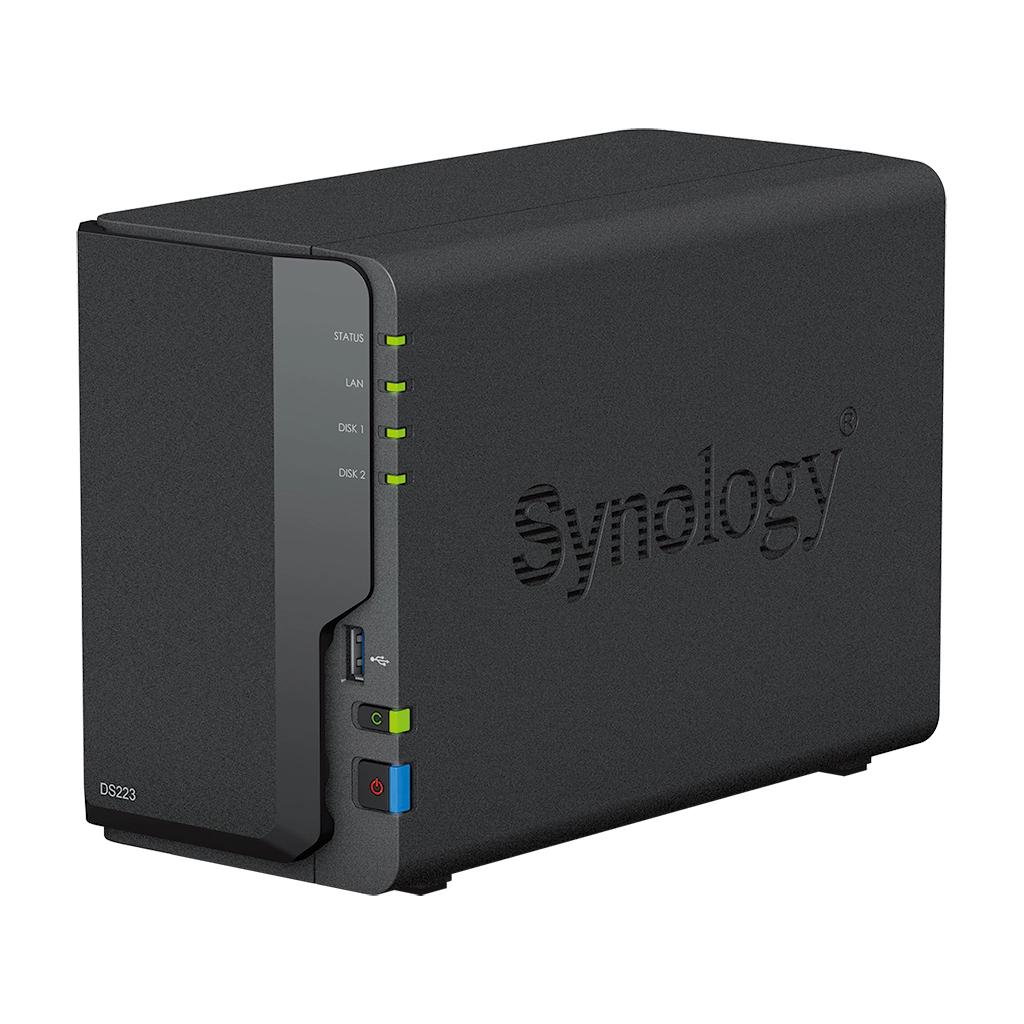
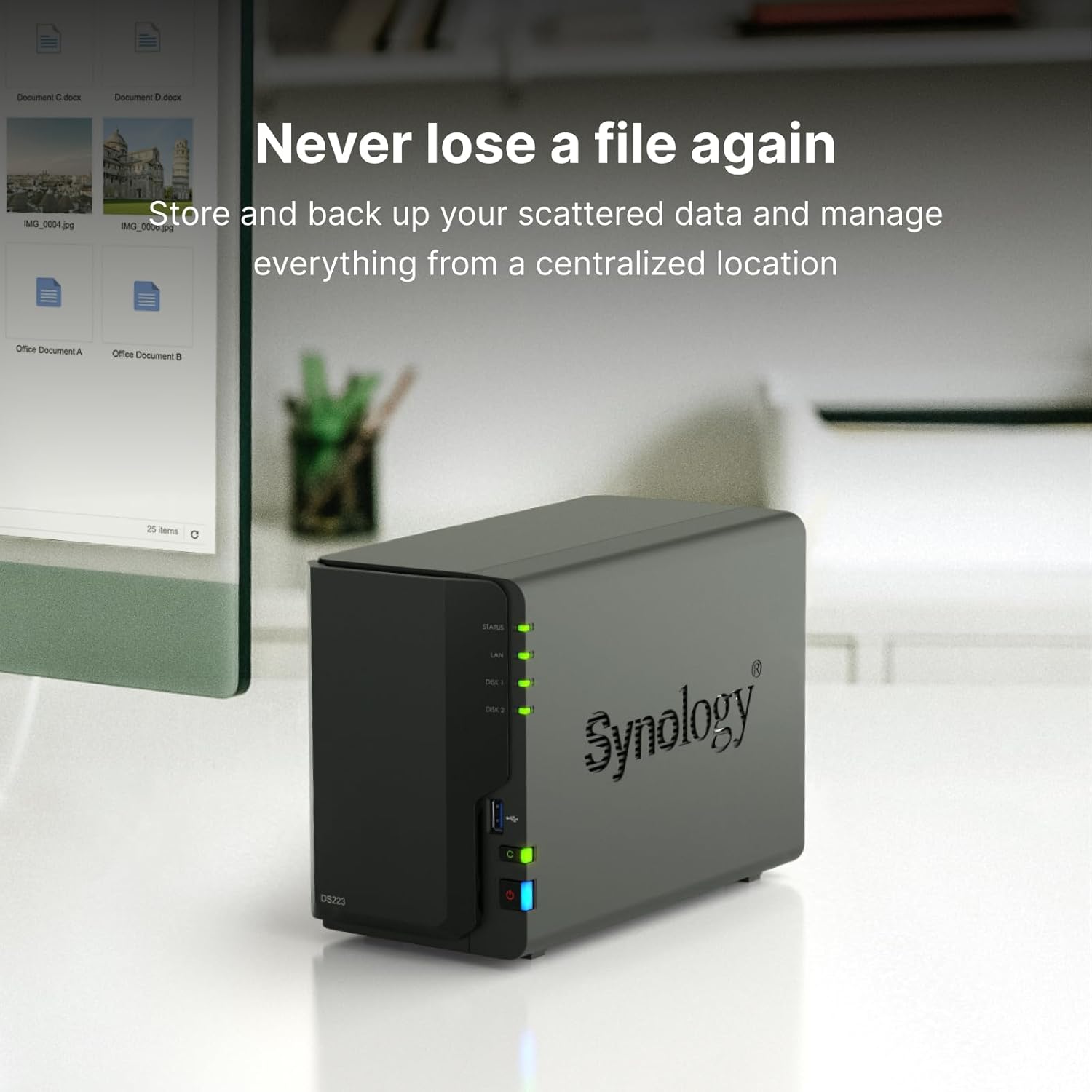
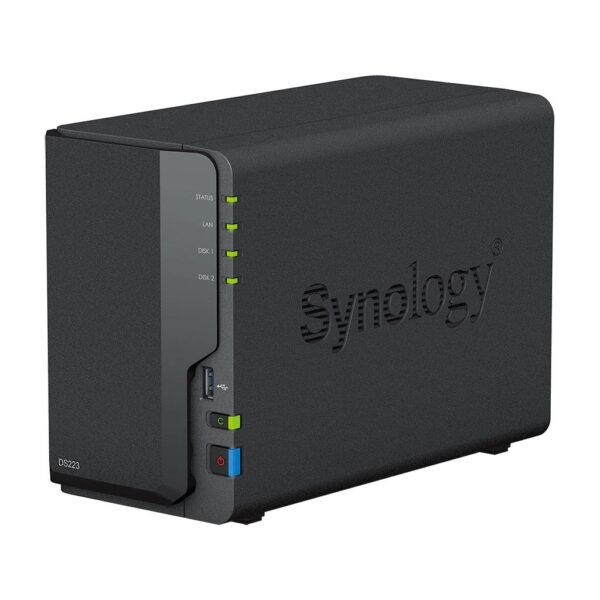
Fast Delivery ( By Air ) The Synology DS223 is a versatile and energy-efficient 2-bay NAS solution designed for home users, professionals, and small businesses looking to centralize, protect, and share their data from a secure private cloud. Powered by Synology DiskStation Manager (DSM), it provides an intuitive platform for file storage, synchronization, backup, and collaboration across multiple devices.
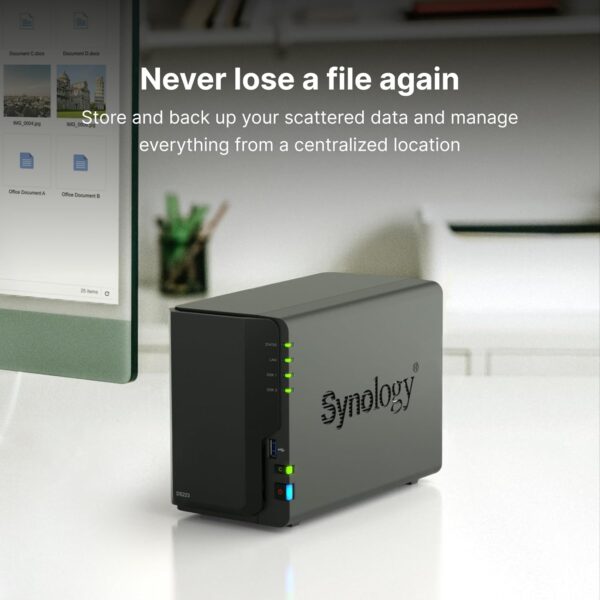
With support for Synology Drive, Synology Photos, Hyper Backup, Cloud Sync, and Surveillance Station, the Synology DS223 helps you build your own private cloud while maintaining complete control over your data. Its dual-bay design also enables RAID protection, ensuring enhanced data security and reliability.

For any queries related to NAS Storage, kindly Whatsapp us on +918454988088 or drop a mail on [email protected]
| Component | Details |
|---|---|
| CPU Model | Realtek RTD1619B |
| CPU Cores | 4 |
| Frequency | 1.7 GHz |
| Architecture | 64-bit |
| Memory | 2 GB DDR4 non-ECC |
| Encryption Engine | Yes |
| Feature | Details |
|---|---|
| Drive Bays | 2 |
| Drive Type | 3.5" SATA HDD / 2.5" SATA SSD |
| Hot Swappable | Yes |
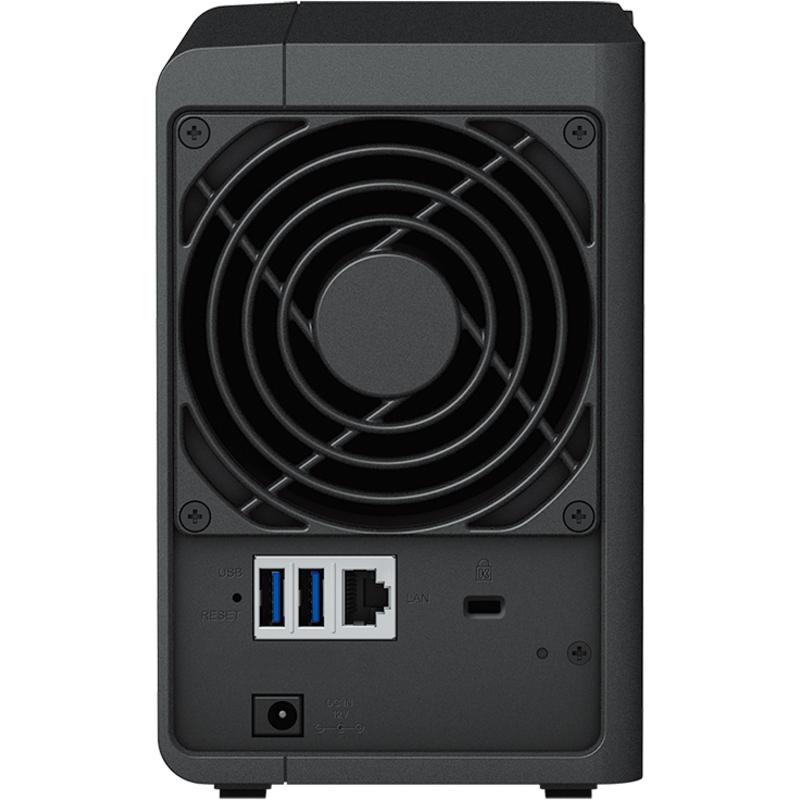
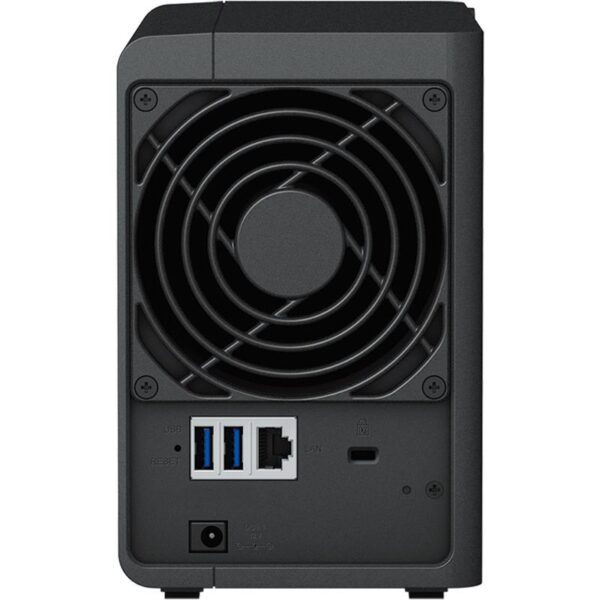
| LAN Port | 1 × 1GbE RJ-45 |
| USB Ports | 3 × USB 3.2 Gen 1 |
| Feature | Details |
|---|---|
| Dimensions | 165 × 108 × 232.7 mm |
| Weight | 1.28 kg |
| Operating Temperature | 0°C to 40°C |
| Storage Temperature | -20°C to 60°C |
| Power Input | 100V to 240V AC |
| Humidity | 8% to 80% RH |
| Feature | Details |
|---|---|
| Operating System | Synology DiskStation Manager (DSM) |
| RAID Support | SHR, Basic, JBOD, RAID 0, RAID 1 |
| File System | Btrfs, ext4 |
| File Protocols | SMB, AFP, NFS, FTP, WebDAV, Rsync |
| Security Features | Firewall, Encryption, HTTPS, SFTP |
| Application | Function |
|---|---|
| Synology Drive | File sync & backup |
| File Station | File management |
| Hyper Backup | Multi-destination backup |
| Snapshot Replication | Data versioning |
| Surveillance Station | Video monitoring |
| Synology Office | Collaboration tools |
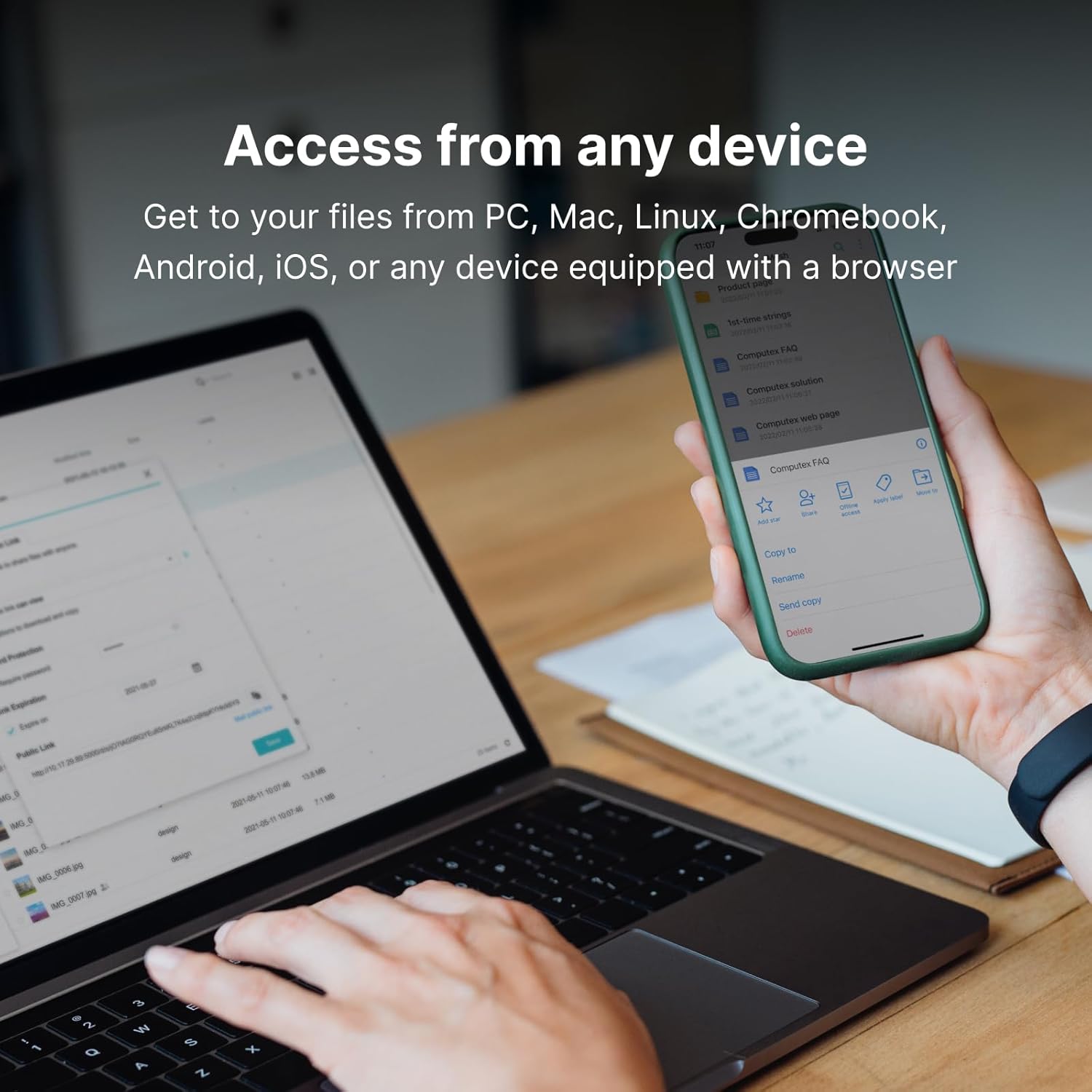
The system runs on Synology DiskStation Manager (DSM), a web-based operating system that provides file management, backup, synchronization, and collaboration tools. It enables remote access, cloud integration, and secure data handling across multiple devices.

Out of stock
Out of stock
Out of stock
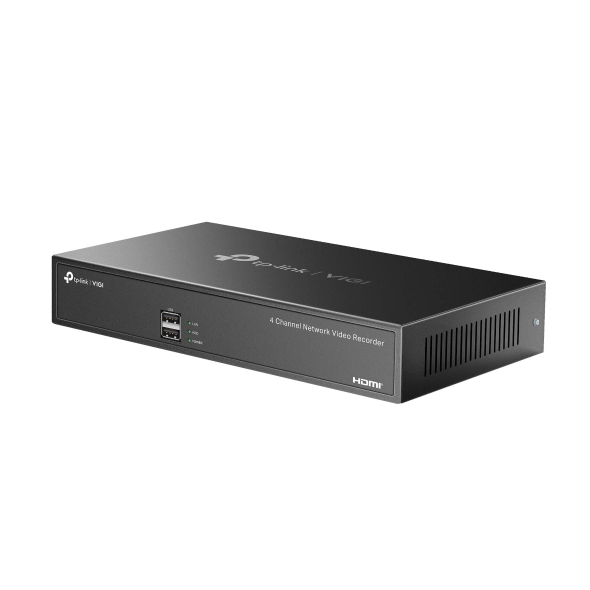
In stock
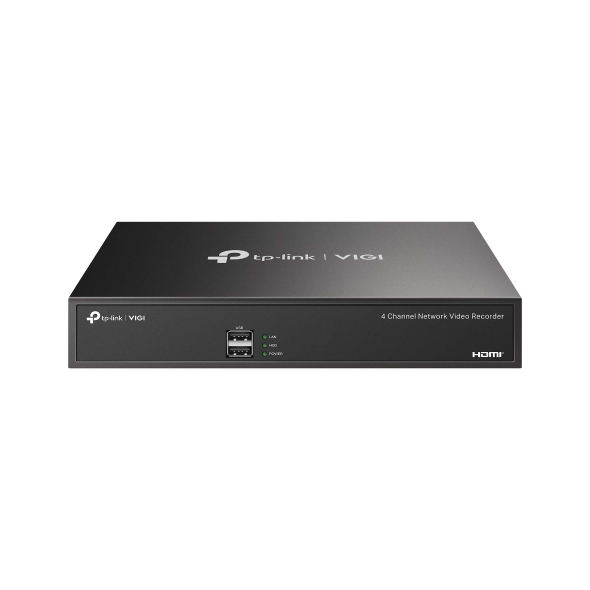
| Weight | 1.07 kg |
|---|---|
| Dimensions | 30 × 28 × 7 cm |
| Brand | TP-Link |
| Channel | 4 |
| SATA | 1 |
| Badges | 24Hr Dispatch |
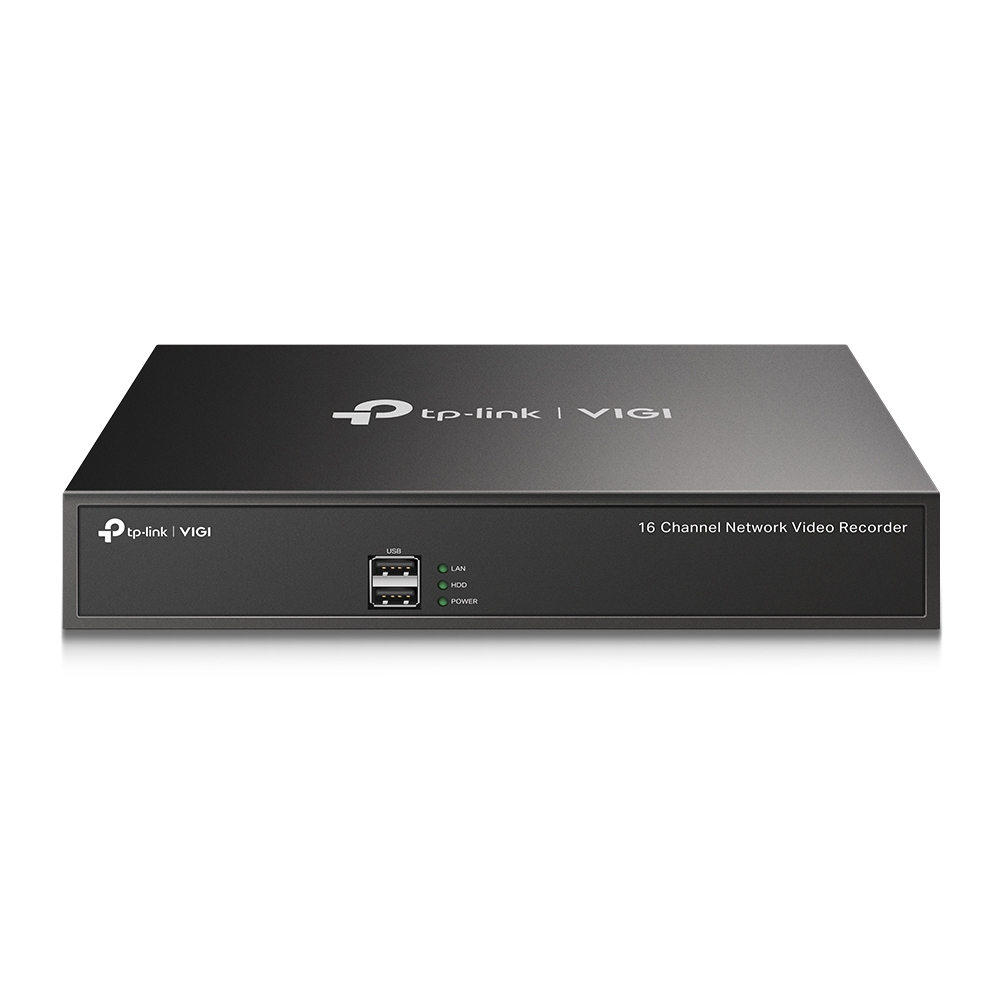
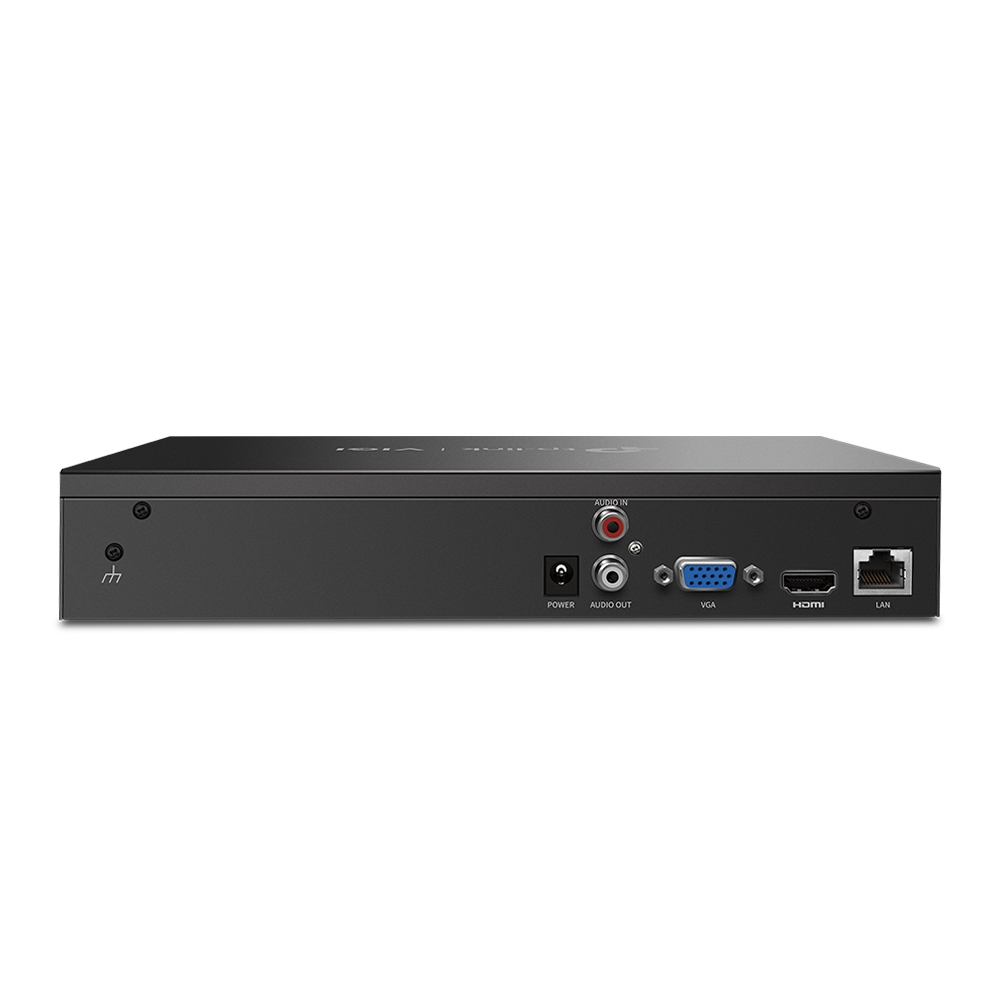
In stock
| Weight | 1.07 kg |
|---|---|
| Dimensions | 29 × 28 × 6 cm |
| Brand | TP-Link |
| Channel | 16 |
| SATA | 1 |
| Badges | 24Hr Dispatch |